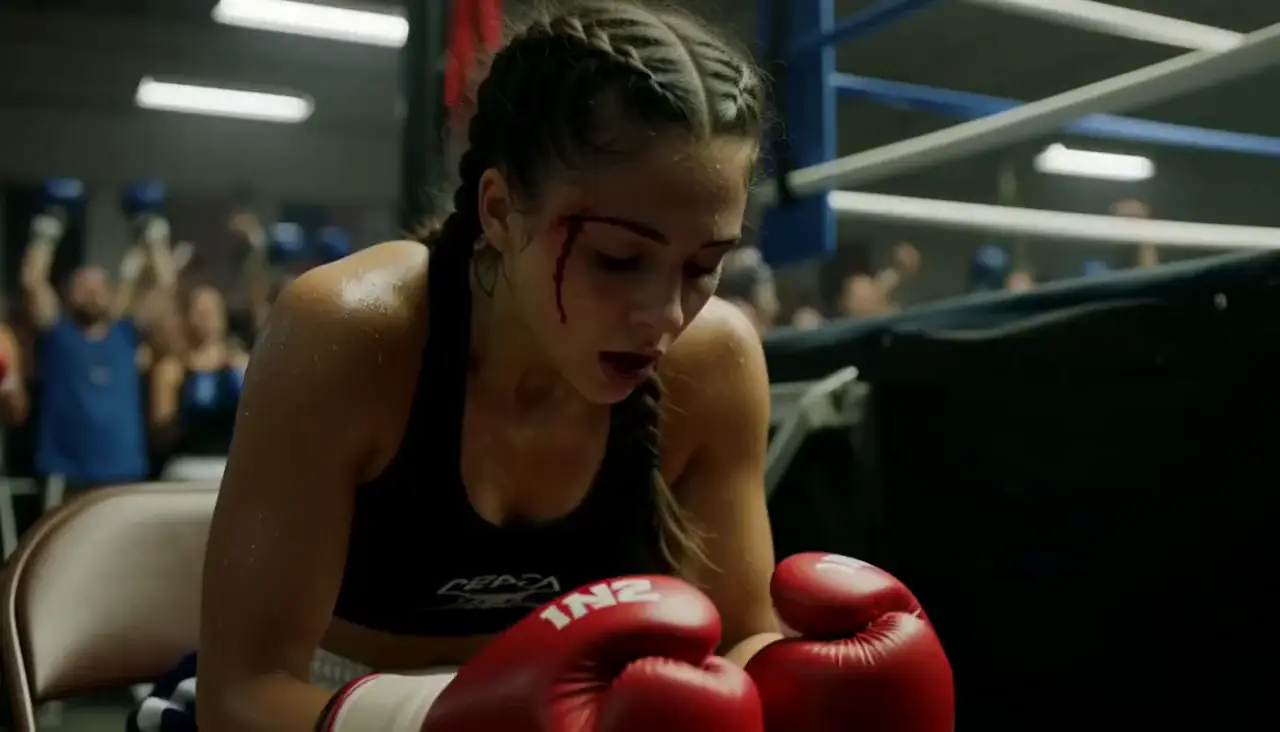
Image to Video
AI Generator
Write a paragraph. Get a storyboard, an animatic and a voiced film — the same face in every shot.
Script and storyboard are free · 20 credits on sign-up · no card · packs from $19.99
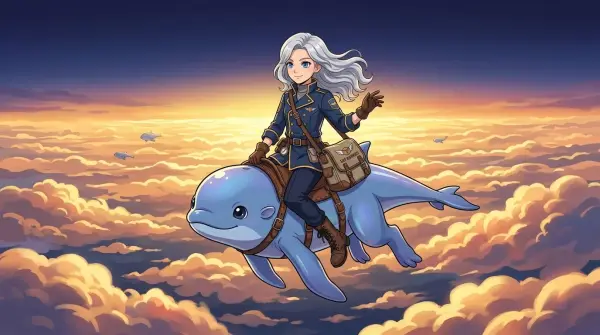
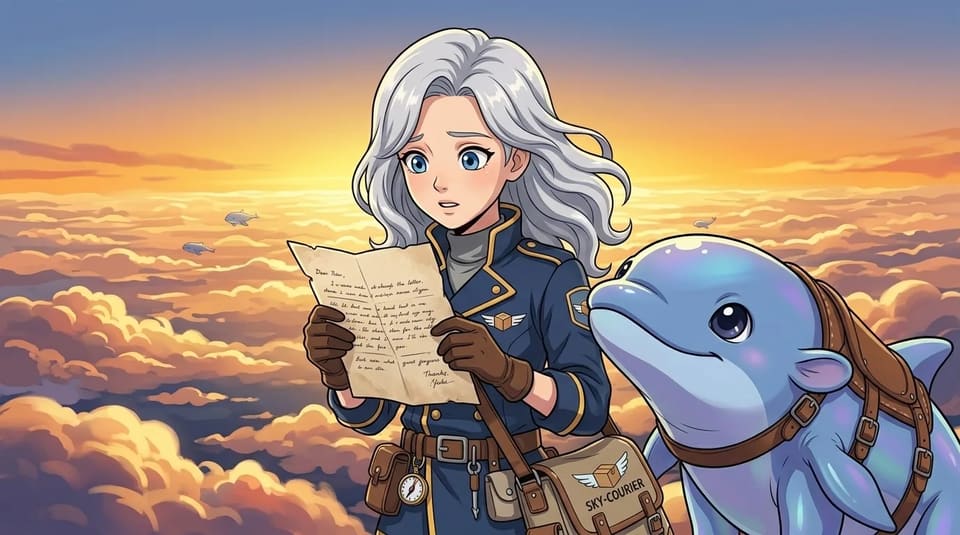
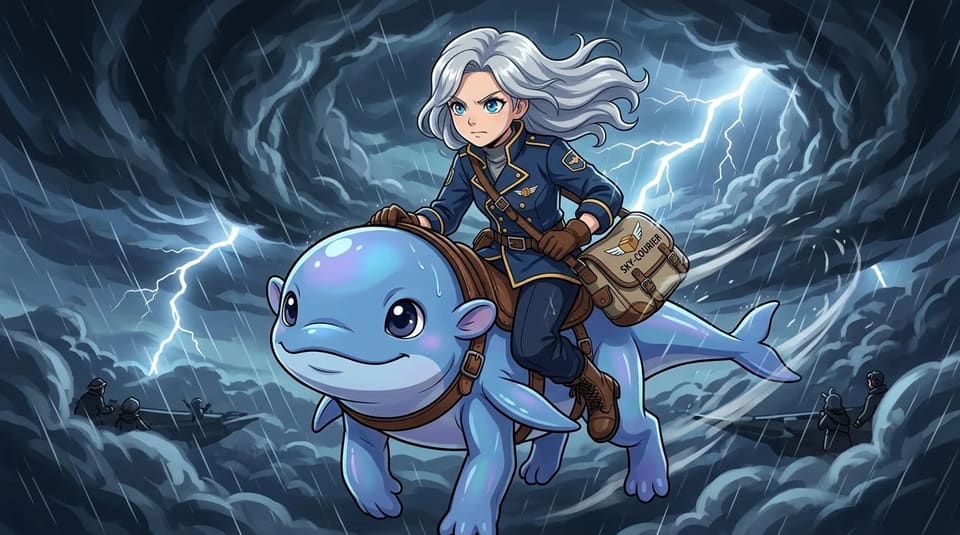
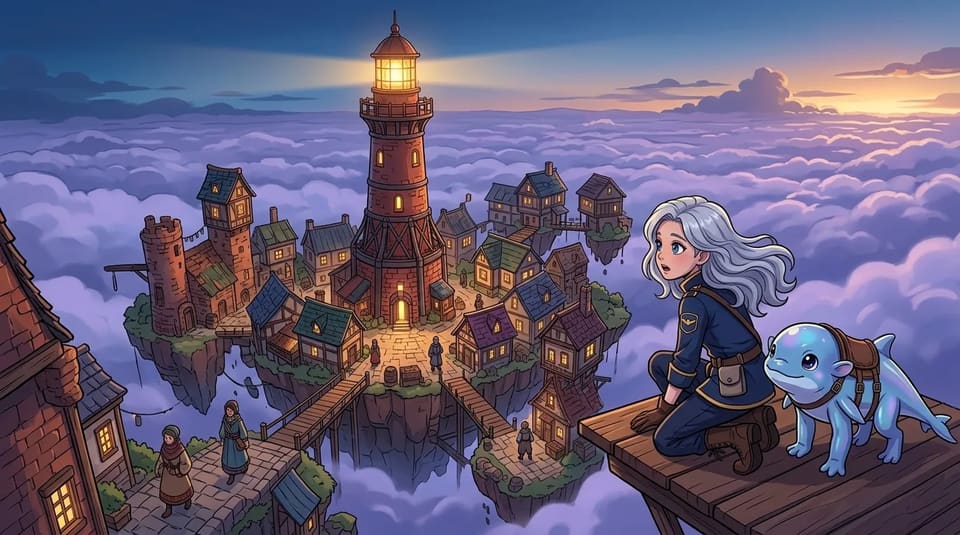
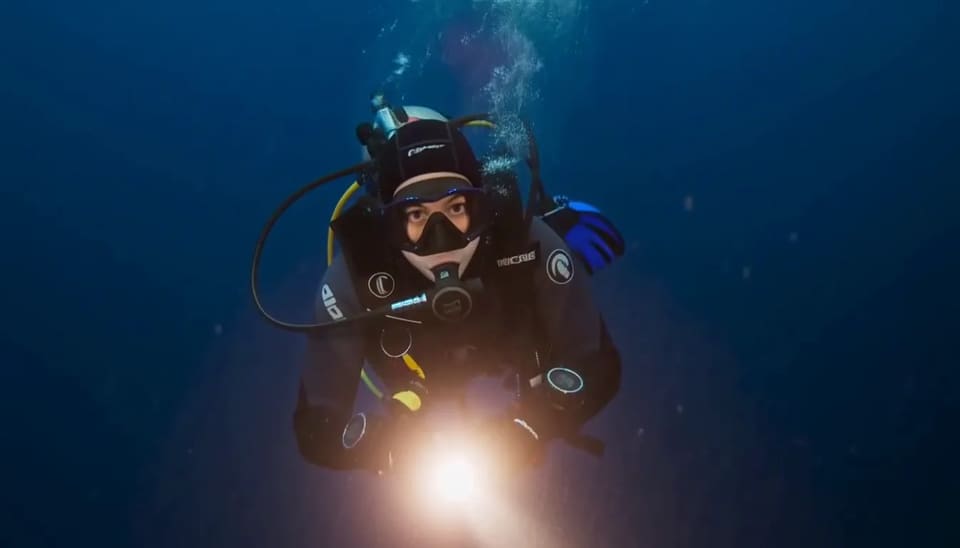
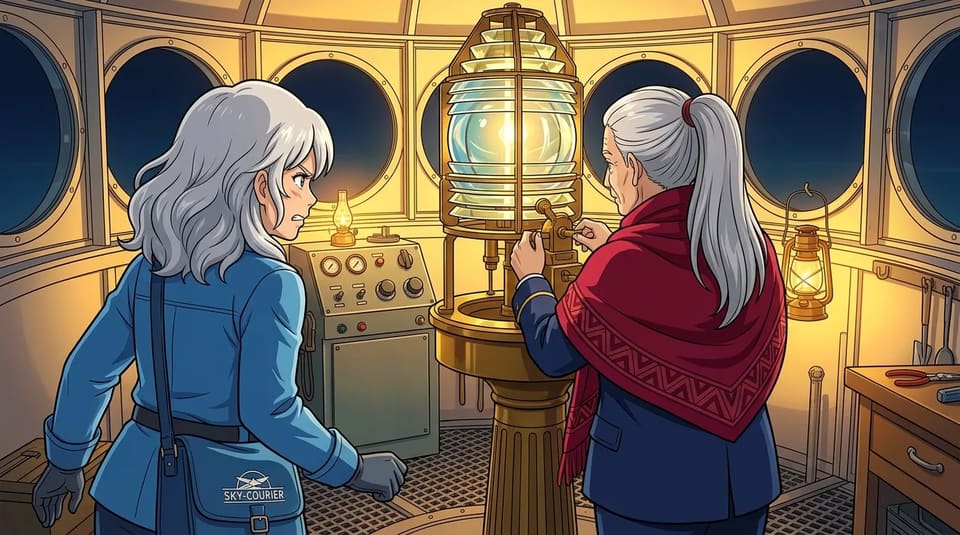
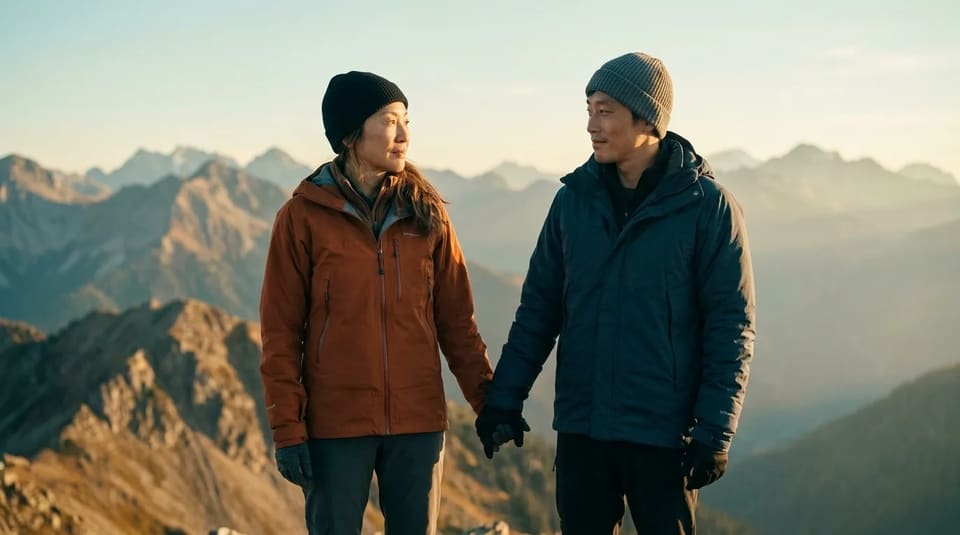
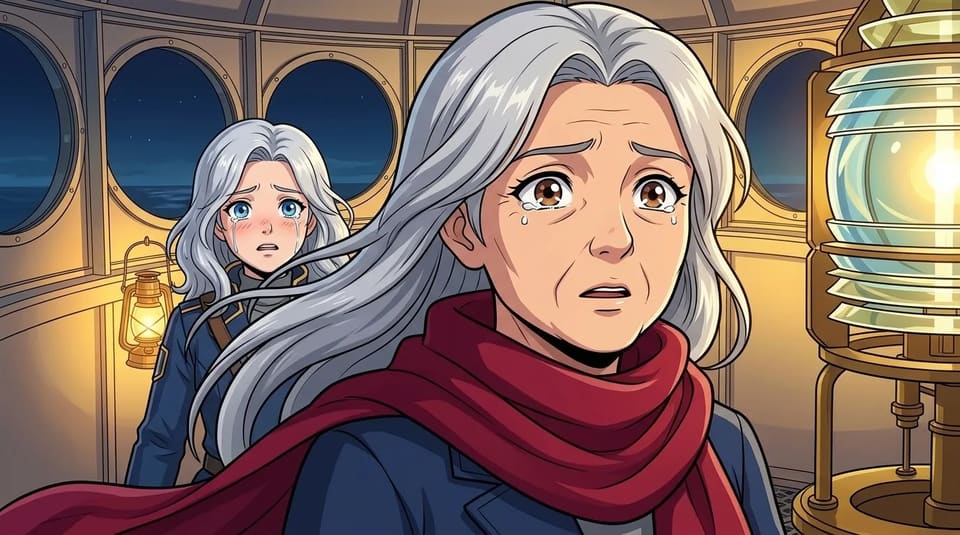
Above the cloud sea, a young courier named Yuki and her cloud whale Momo carry a letter with a strange address — straight through a storm — to a hidden town, and to someone Yuki never expected to find.

 Yuki, Momo
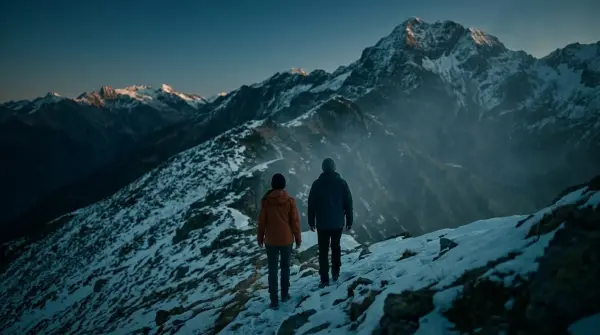
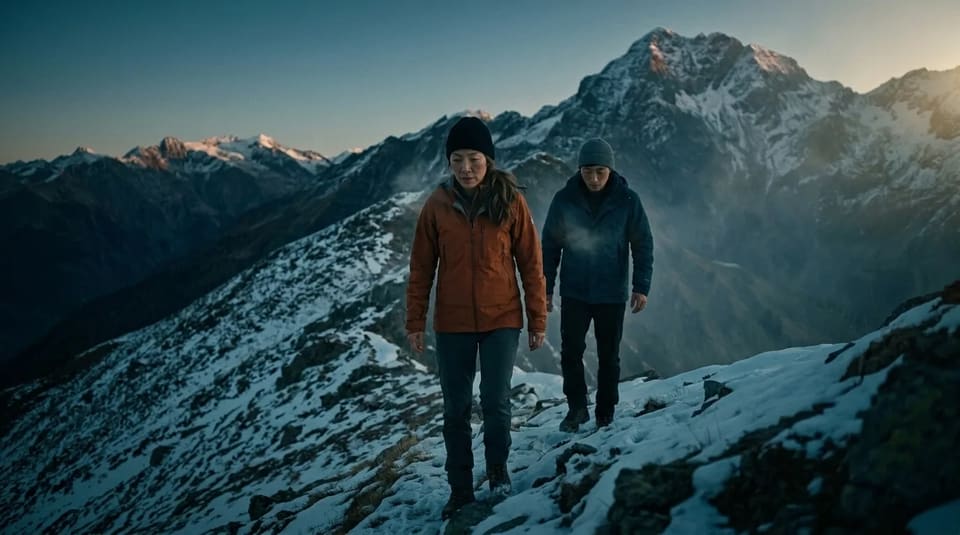
Click a frame to play that shot.
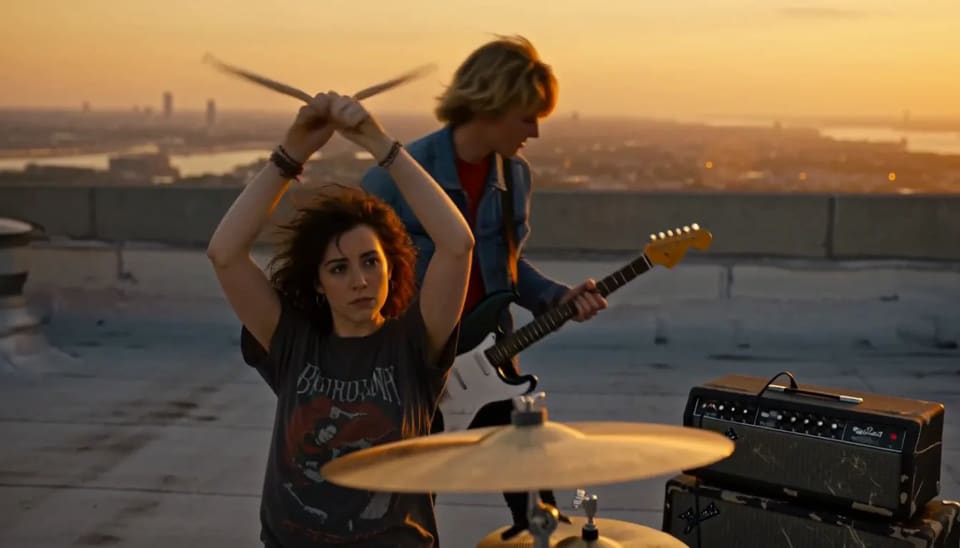
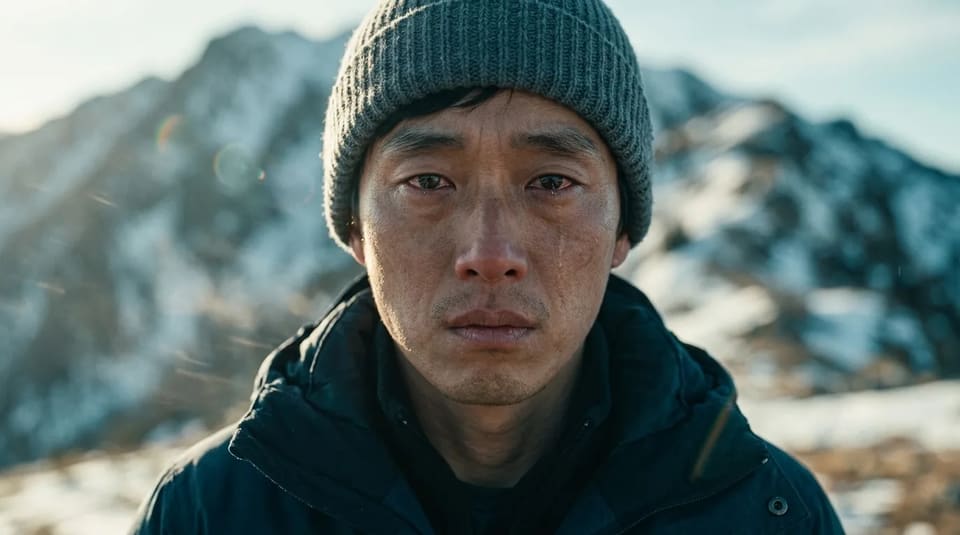
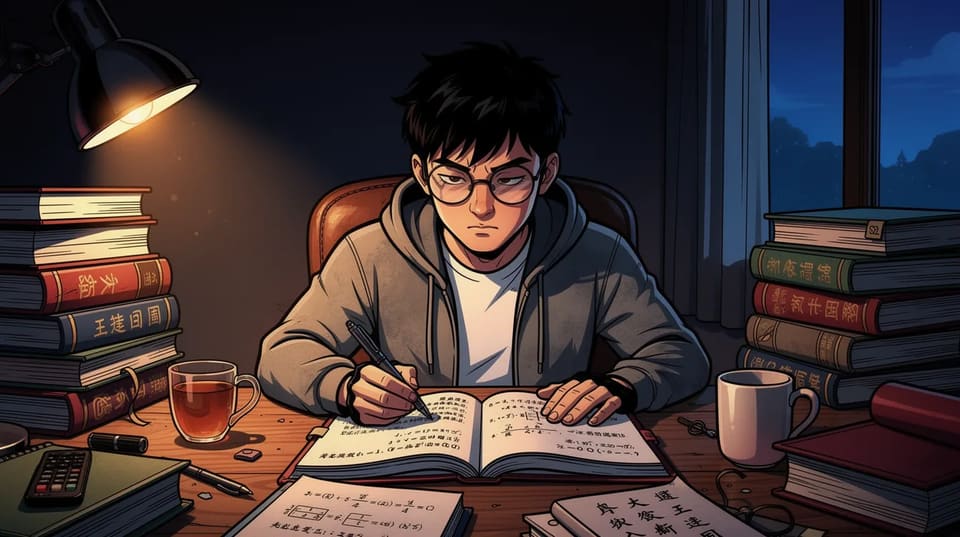
Frames and film from a real TaleScene project, The Letter in the Storm.
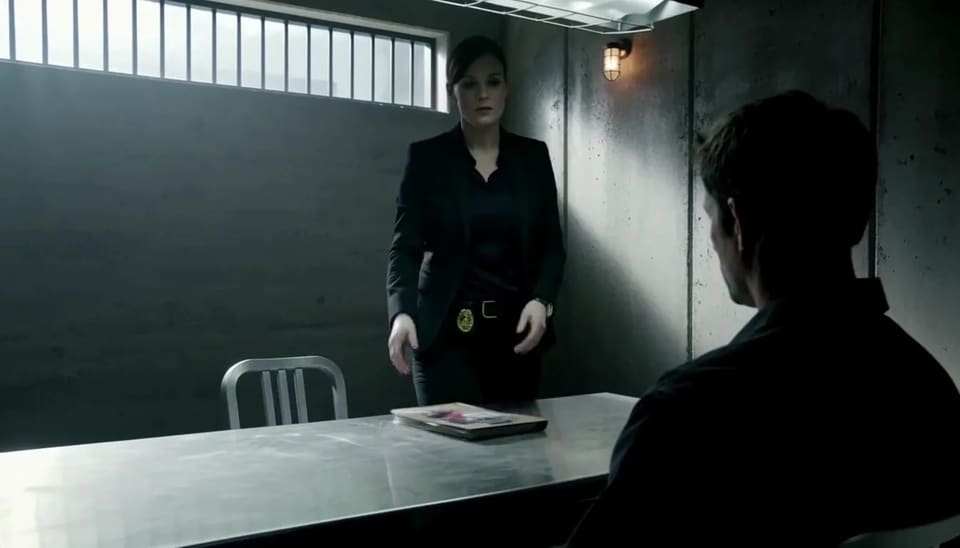
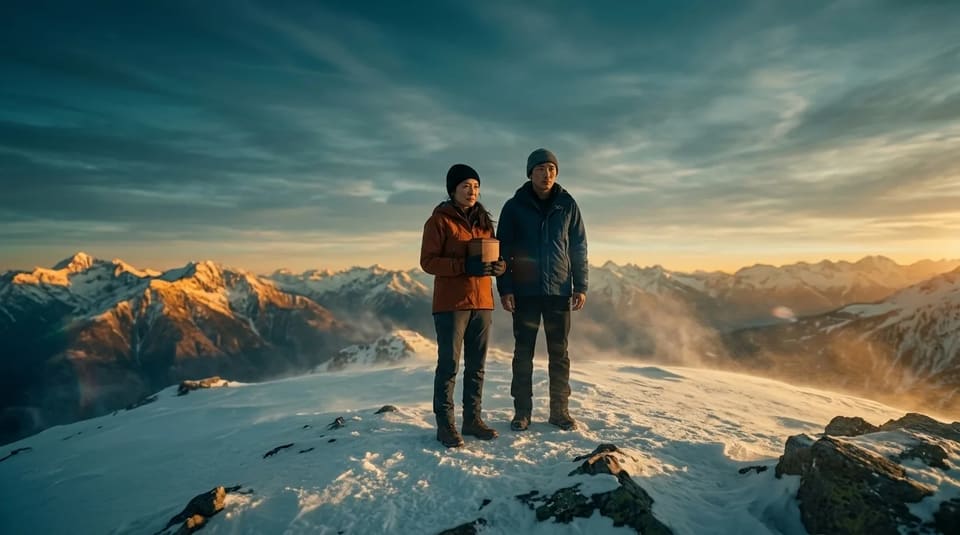
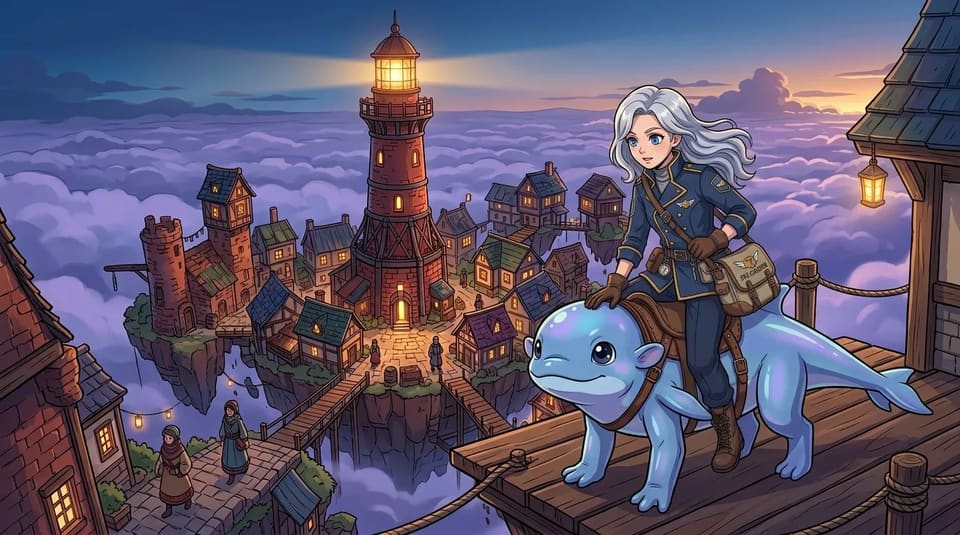
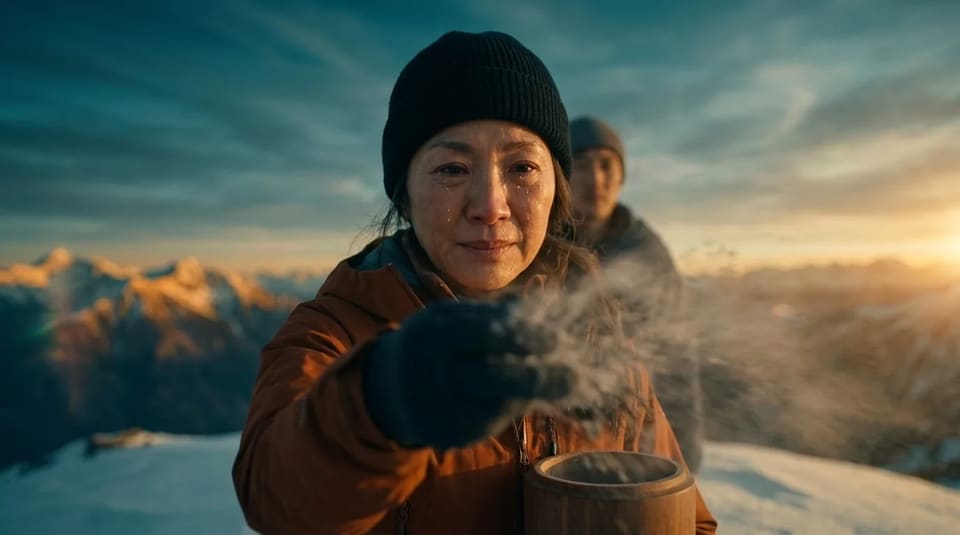
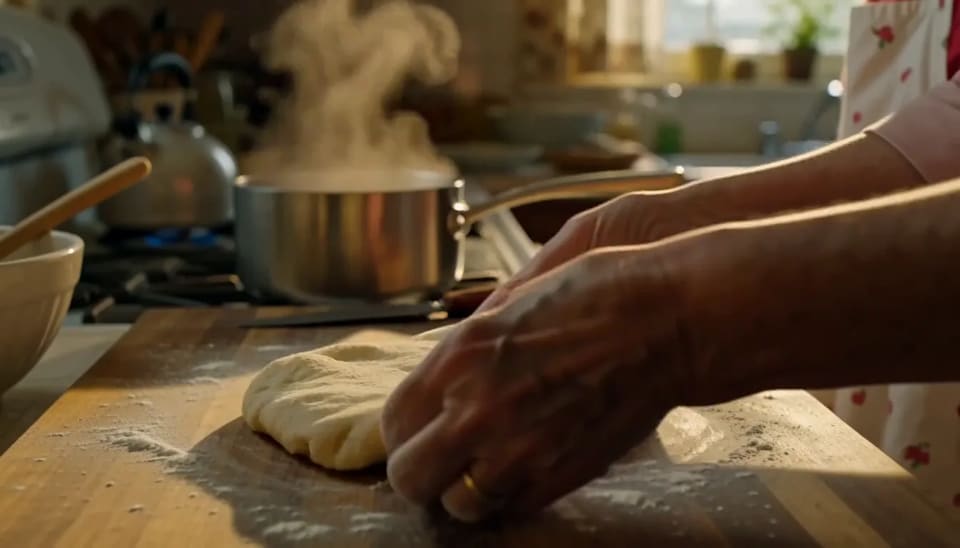
What you get free
AI text to video starts here.
Type your story — we turn it into scenes, images, motion, and a finished video.
 01
01Script in 30 seconds
FreeYour story becomes a cast and a shot list — who's in it, what each shot shows, every line of dialogue.
 02
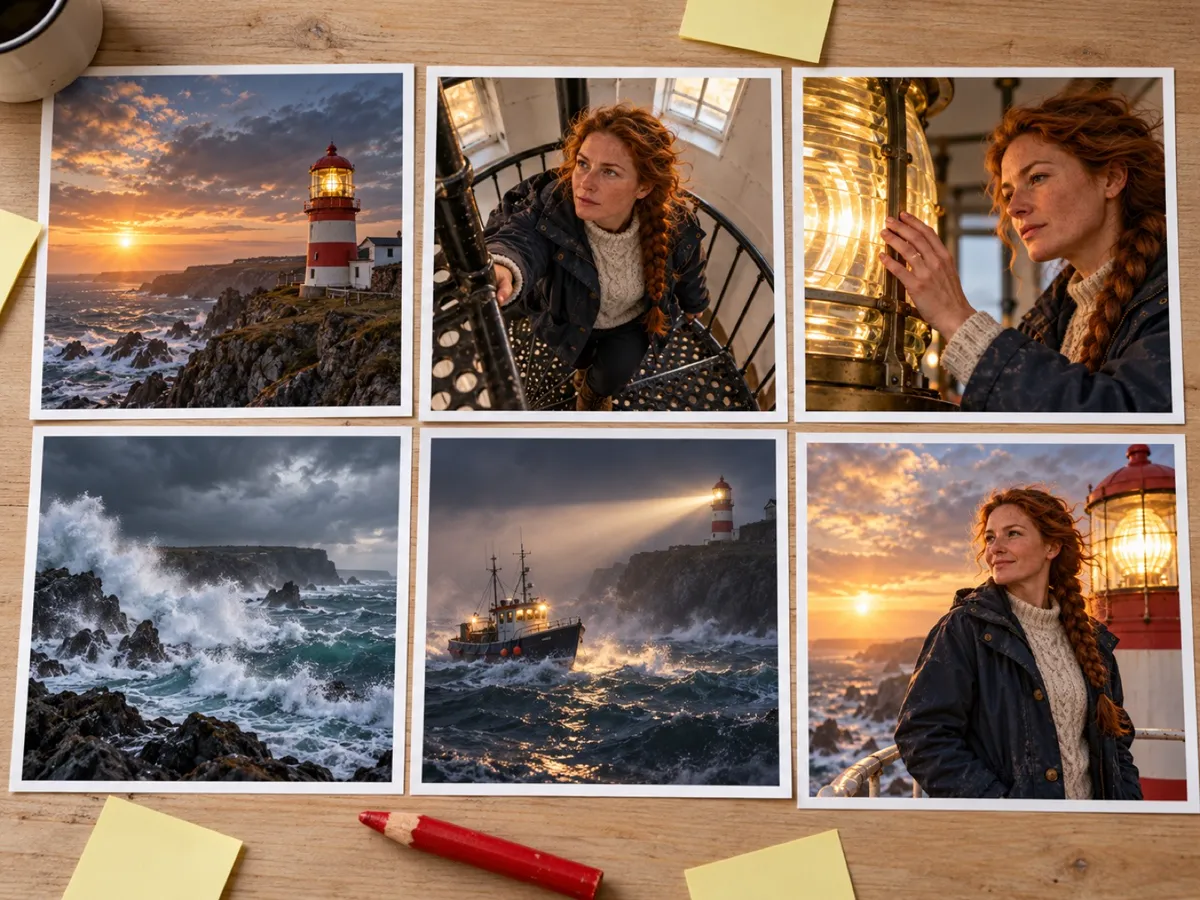
02Storyboard + animatic
FreeEvery shot gets a keyframe, then they cut together with your lines as subtitles so you can watch the story play.
 03
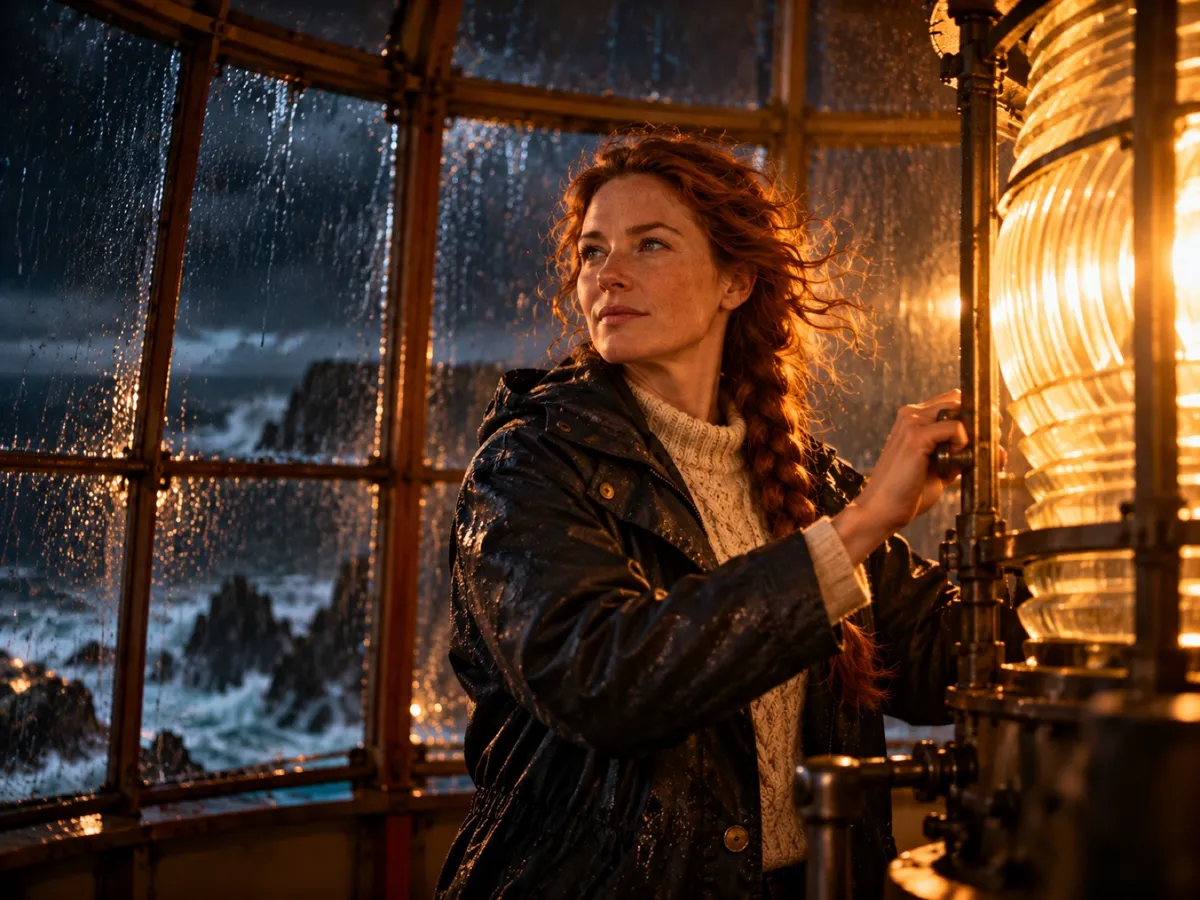
03Finish the film
From $19.99Render voice and motion by the second. Failed shots refund automatically, no watermark on anything you pay for.
An image to video generator
built for stories.
A story-driven image to video AI generator: write a paragraph, and TaleScene storyboards every scene as an image, then animates each image into cinematic video — with the same face in every shot. Script, storyboard and an animatic are free.
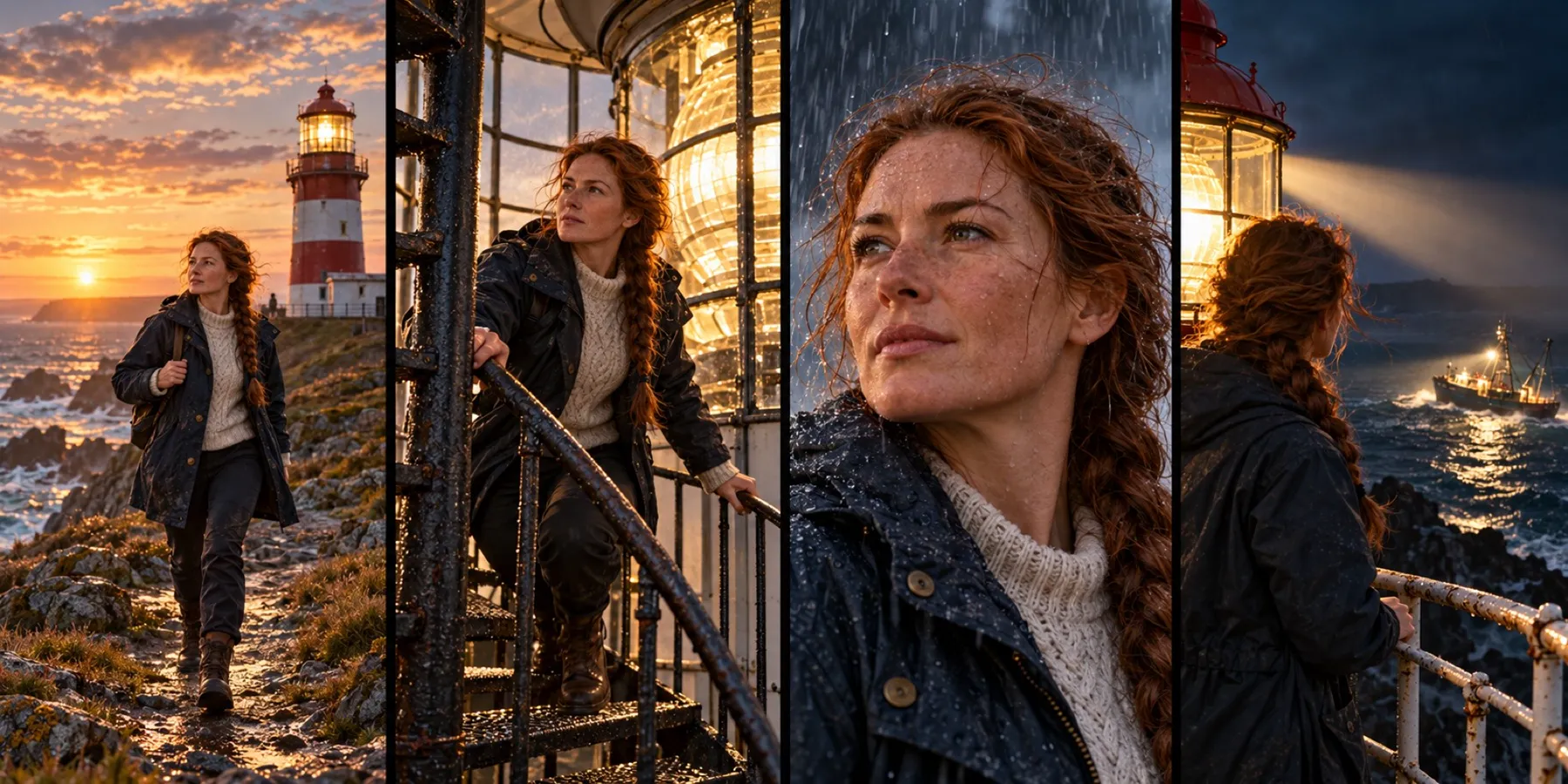
The same face in every shot
Characters are cast once, then locked into every keyframe and every clip — no drifting hair, no new nose in shot four.
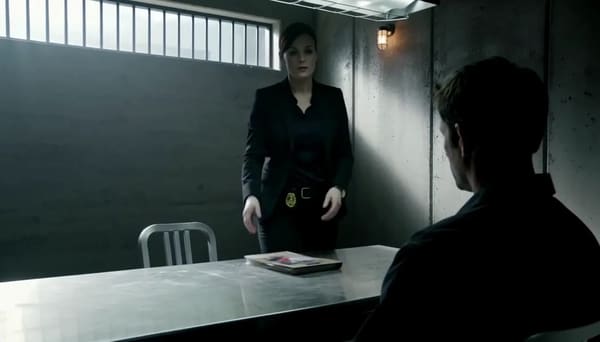 “Start from the beginning.”
Dialogue, voiced and subtitled
Lines are spoken in the shot and timed as subtitles — in the language you wrote them.
One story, any look
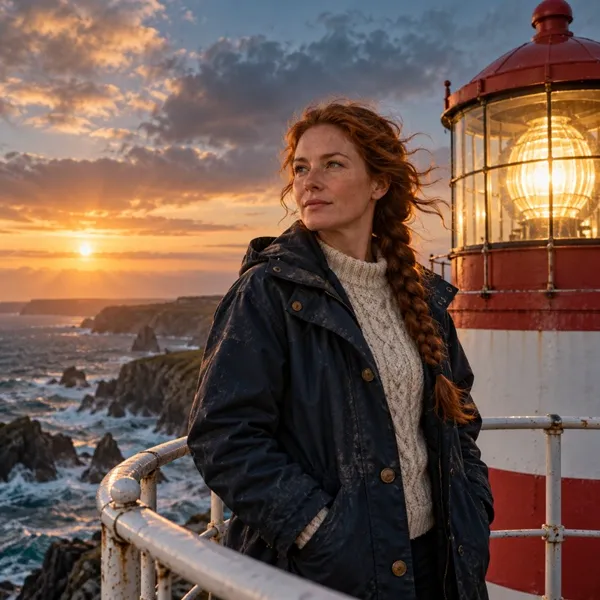
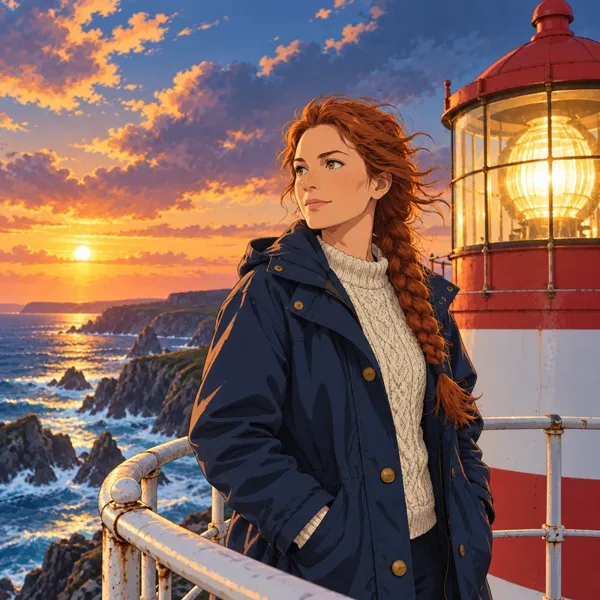
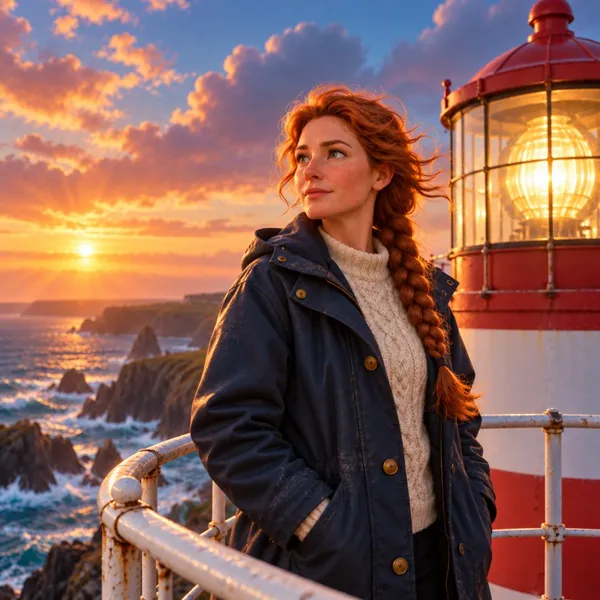
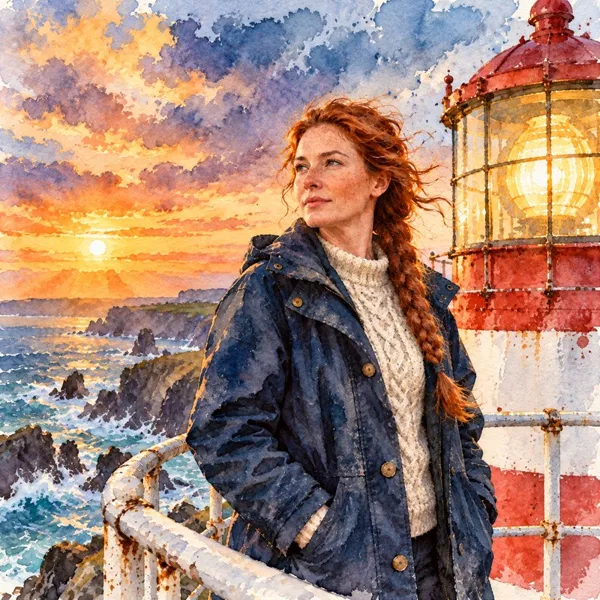
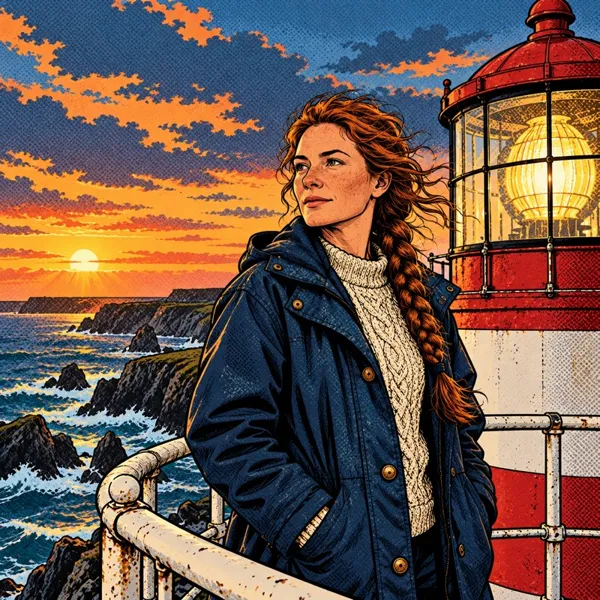
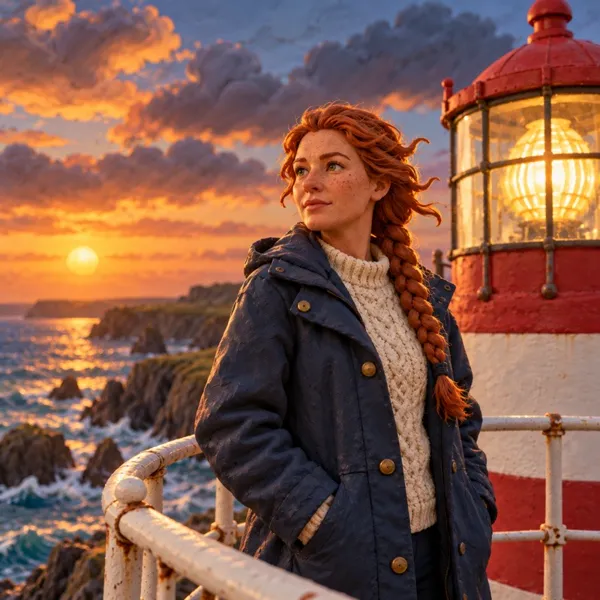
Live action, anime, watercolor and more. Pick a style; every shot follows it.
Fix one shot, not the whole film
Not quite right? Redraw a single frame or re-render a single clip. The price is on the button.
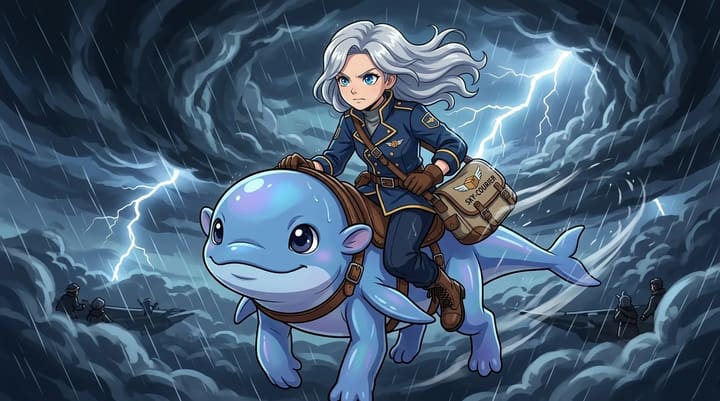 Shot 3 · not quite right?
The other six shots stay exactly as they are.
12 cr / second
Seedance 2.5, or 4 cr/s on MiniMax H3. Shots that fail refund themselves.
Download the MP4
Every film you render downloads as one file. No watermark on anything you pay for.
Write it the way you think
Scripts and subtitles follow your story's language — English, Español, 中文, 日本語, Português and more.
From image to video
in four moves.
Write
A paragraph is plenty — who it's about, what happens, how it ends.
Cast
We design each character once, or use your own saved cast with @.
Storyboard
A keyframe image for every shot — watch them cut together, free.
Animate
Each image becomes a voiced clip; the film plays end to end.
Image to video, answered.
How TaleScene's image to video AI generator works, what free credits cover, how characters stay consistent, and commercial rights. Still curious? Write to us.
Can I try TaleScene's image to video workflow for free?
Yes. Every new account gets 20 credits with no credit card required to draft a storyboard and render keyframe previews. Video generation uses paid credits because each voiced clip runs a high-cost video model; the checkout recommendation is sized to your story's exact remaining cost.
What is an image to video AI generator?
An image to video AI generator turns a still image into a moving clip. TaleScene goes further than a one-shot generator: it storyboards your whole story, renders a keyframe image for every scene, then animates each image into video with the same character throughout — a full multi-scene film, not a single looping clip.
How does the image to video AI generator work?
TaleScene turns every scene of your story into a keyframe image first, then animates each image into a video clip with Seedance 2.5, a frontier image to video model with native audio. Because every clip starts from a keyframe you can see and approve, you control exactly what gets animated.
Does it work as a text to video and story to video generator?
Yes. Type a line and the generator runs text to video; paste a longer story and it runs story to video, breaking your narrative into scenes before animating every image. A single line or a full story leads to the same output — a consistent, multi-scene video you can edit scene by scene.
Can I control the image that becomes each video?
Yes. Every scene starts as an AI-generated keyframe you can see before anything moves — re-roll a scene's image, tweak its prompt, or edit its dialogue, and only then use paid credits to animate it. You direct the film at the image stage, scene by scene.
Is there an AI text to video mode?
Text is the native input. Write a paragraph and TaleScene handles the full AI text to video pipeline: it storyboards your story into scenes, renders a keyframe image for each one, and animates every image into a clip. Words alone are enough.
How does character consistency work?
TaleScene first generates a reference portrait for each character, then conditions every scene's keyframe image on that reference before animating it. The same character keeps the same face, hair, and outfit across every scene — the hardest problem in AI video, solved by storyboarding first.
How long does a video take to generate?
A typical 6-scene story video takes a few minutes: scenes render in parallel and each image animates into a clip in roughly 1–3 minutes. Generation runs in the background — close the tab and come back, your video keeps rendering.
Can I use the videos commercially?
Yes. Videos you generate are yours to publish and monetize — YouTube, TikTok, Instagram, client work. The MP4 download is free once your film has rendered.
Start with a paragraph.
Finish with a film.
Your first script and storyboard are on us.
Write your story →