AI Video Generator
AI Video Generator
for Stories
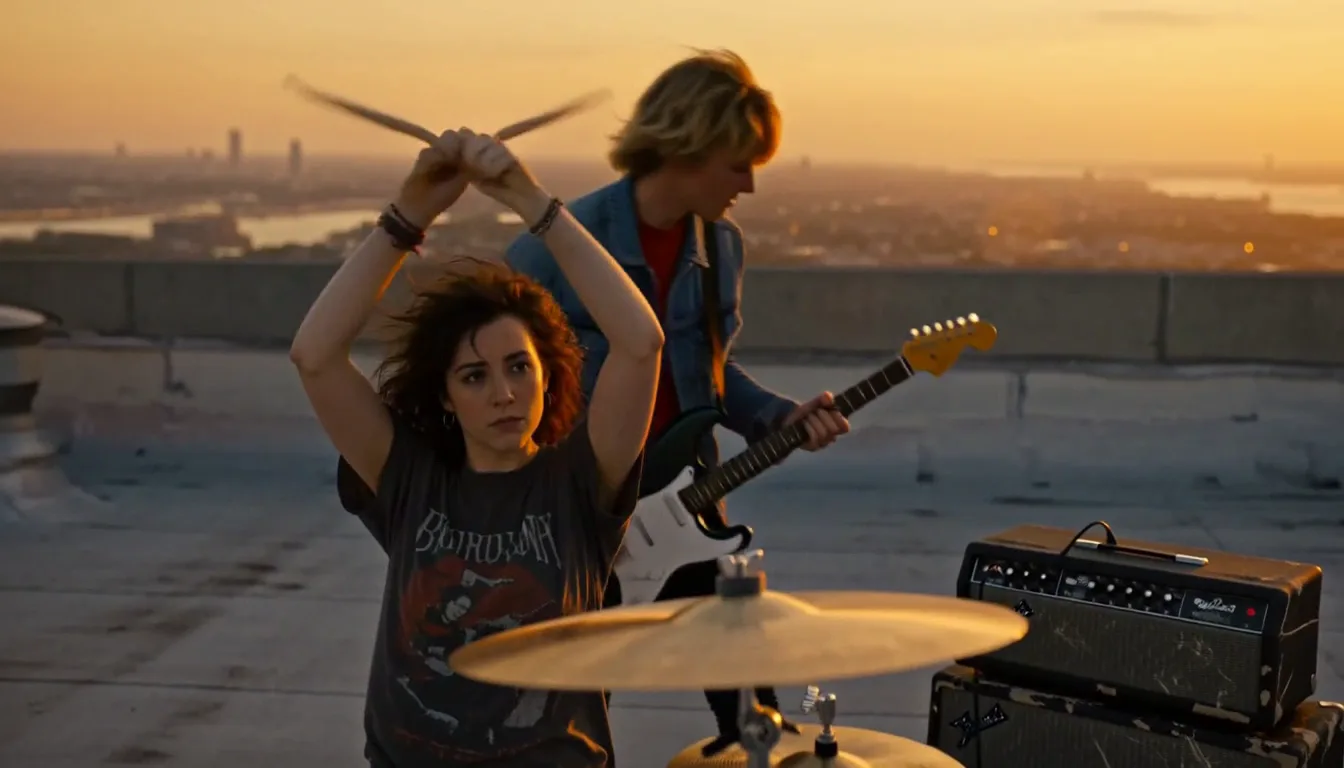
TaleScene is an AI video generator that turns a paragraph into a multi-scene film. The AI video generator storyboards every scene, renders a keyframe image, then animates each image into video — with the same character in every shot.
Script and storyboard are free · 20 credits on sign-up · no card · packs from $19.99




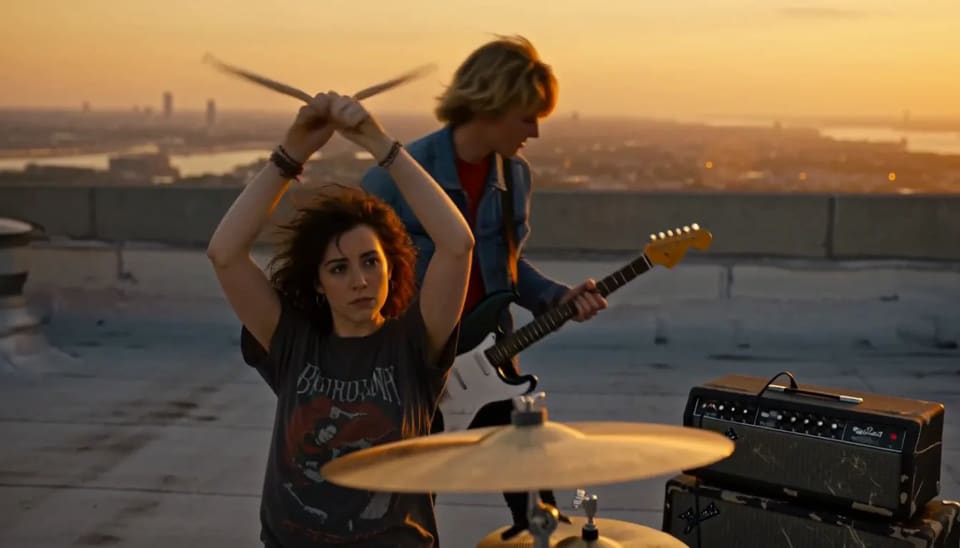


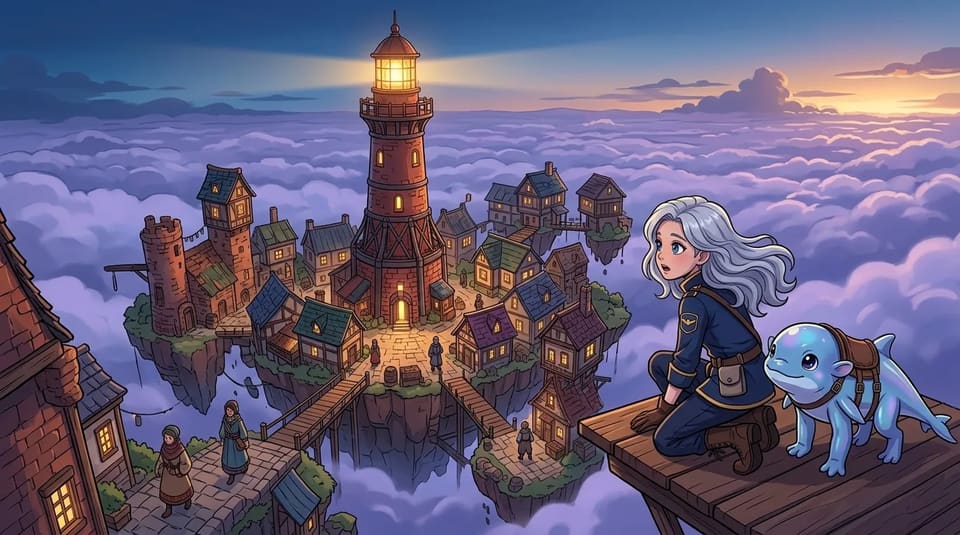
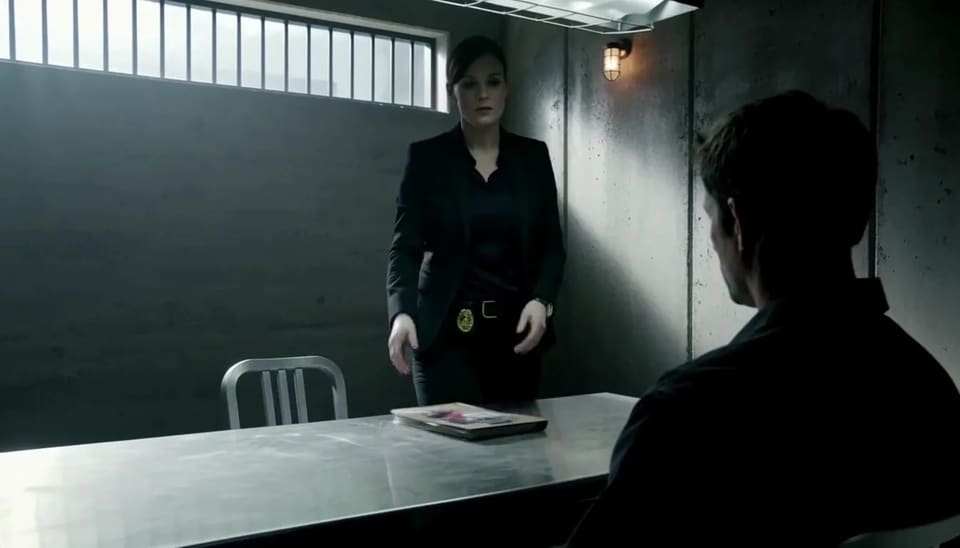
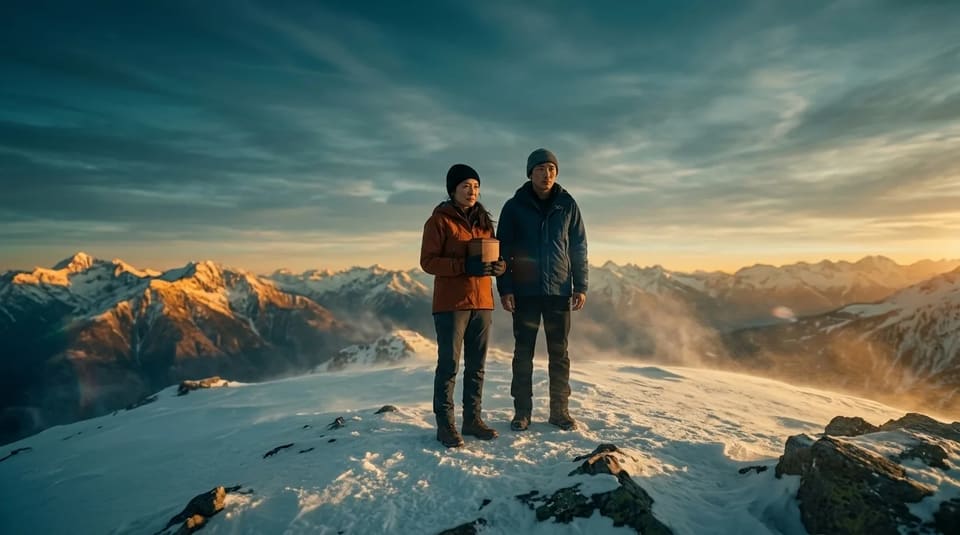
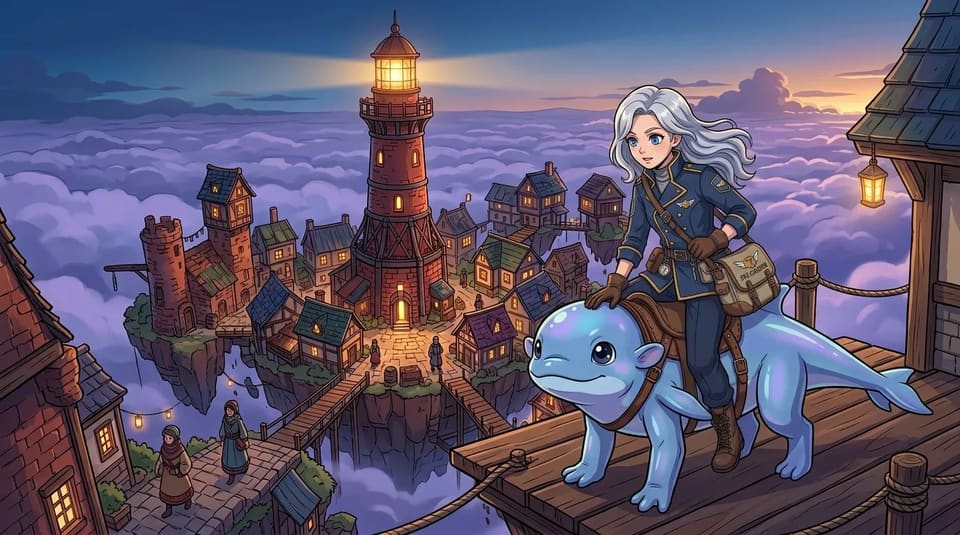

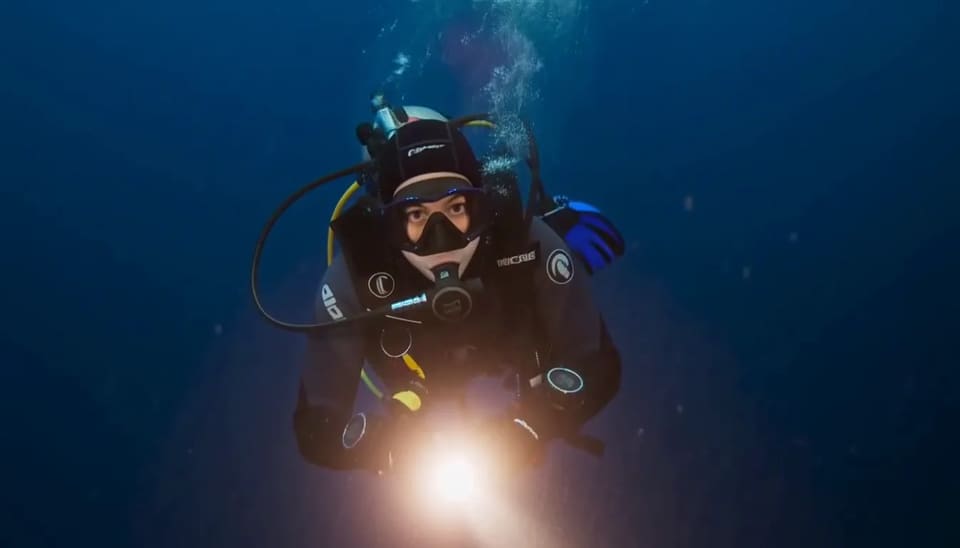
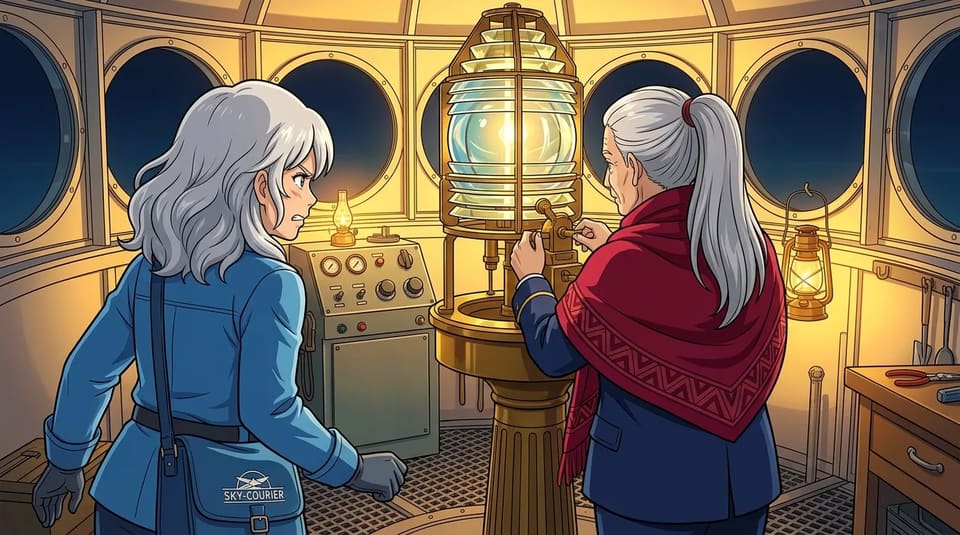



Start here
Your AI video generator, ready.
Type a story — the AI video generator turns it into scenes, generated keyframes, motion, and a finished video.
 01
01Script in 30 seconds
FreeYour story becomes a cast and a shot list — who's in it, what each shot shows, every line of dialogue.
 02
02Storyboard + animatic
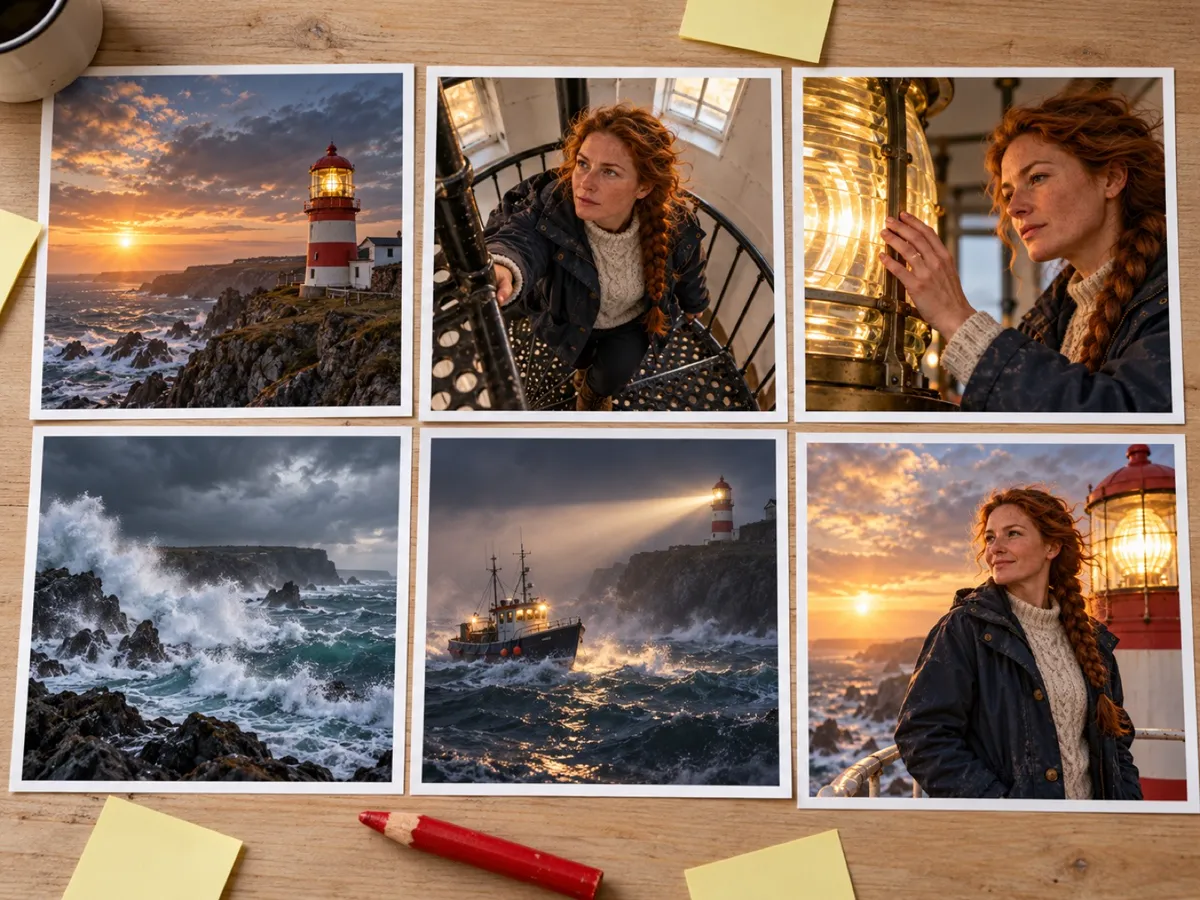
FreeEvery shot gets a keyframe, then they cut together with your lines as subtitles so you can watch the story play.
 03
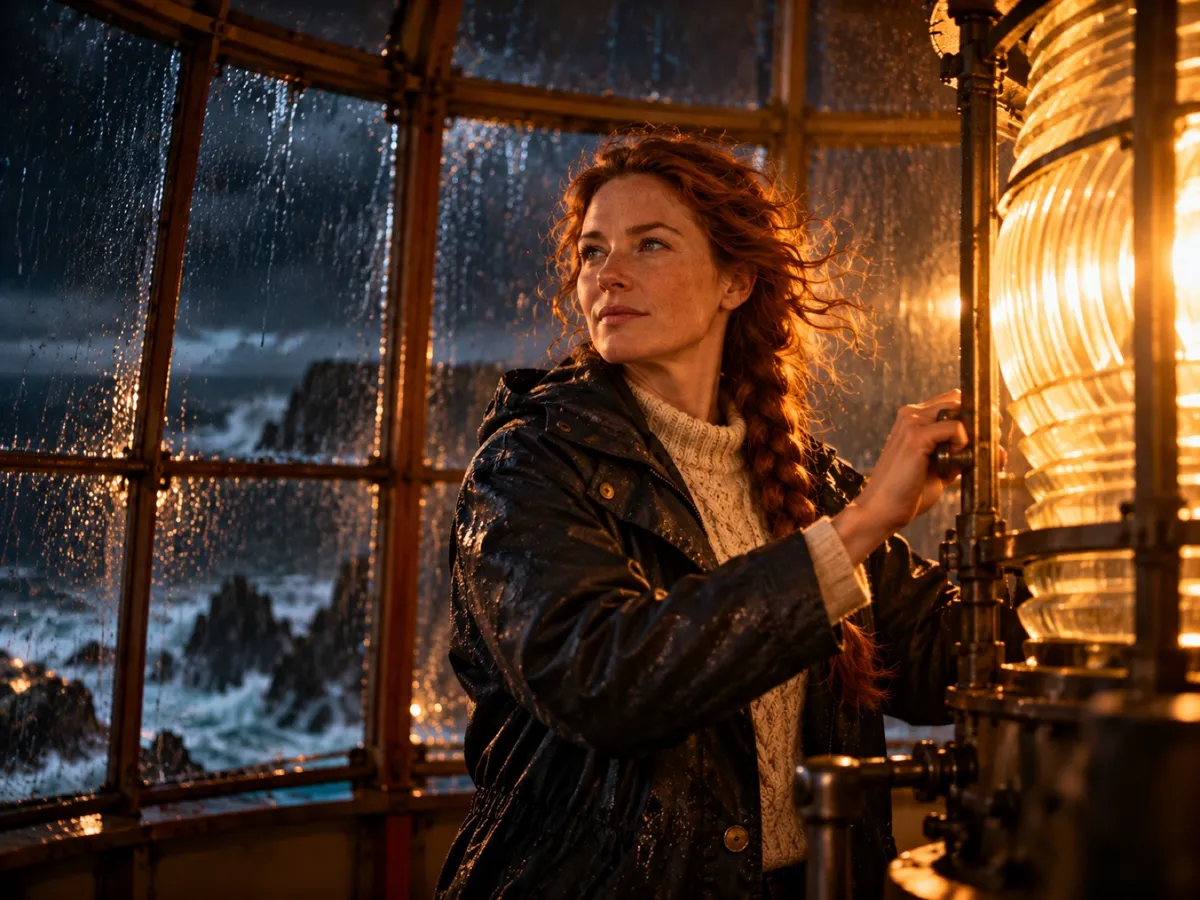
03Finish the film
From $19.99Render voice and motion by the second. Failed shots refund automatically, no watermark on anything you pay for.
Why TaleScene
An AI video generator
that thinks in scenes.
Most AI video generators take one prompt and hand back one clip. TaleScene is an AI video generator built for stories: paste a paragraph, and it storyboards the whole narrative into scenes before a single frame renders. You approve the storyboard, then the AI video generator animates every scene into video.
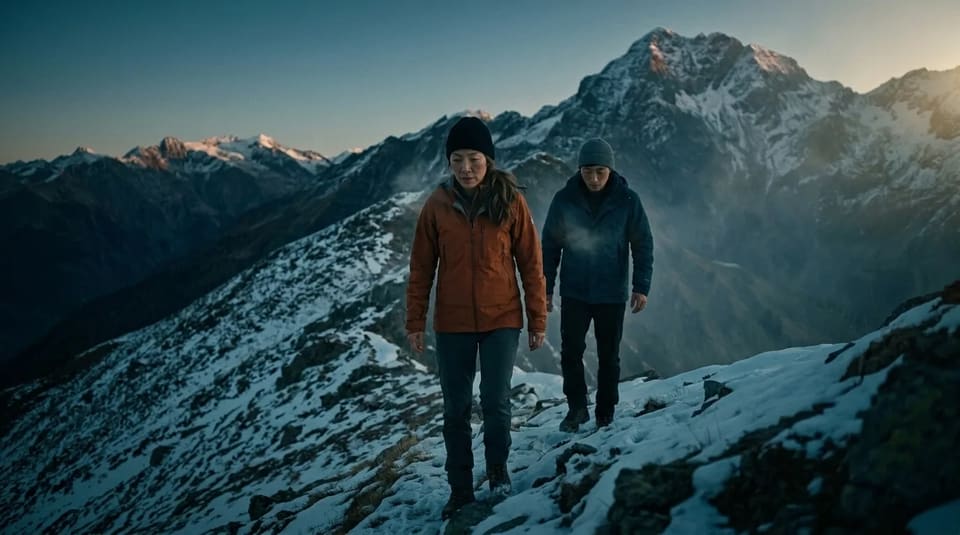
Because each clip starts from a keyframe image conditioned on the same character reference, faces, hair, and wardrobe stay consistent from the first scene to the last — the part most AI video generators get wrong. Under the hood, frontier image to video models — MiniMax H3 and Seedance 2.5 — give every shot cinematic motion and native voiced audio.
Start with 20 free credits and no credit card to draft the storyboard and inspect visual previews. When the direction feels right, paid credits run the video models and produce the finished, multi-scene film you can download and publish. Prefer the image to video generator?
Under the hood
What's inside the
AI video generator.
Every scene starts as a keyframe image you can see and approve — then the AI video generator animates each image into video.

AI storyboard
Every scene written like a shot.
Characters, camera moves, motion notes. You read and approve the storyboard before a single frame renders.



On-model characters
Same face. Every scene.
Reference portraits first. Every keyframe conditions on them, and every clip animates from its keyframe.
Voiced & subtitled
Every line spoken aloud.
Characters voice their dialogue with native AI audio, and cinema-style subtitles roll under every scene.
Cinematic motion
Seedance and MiniMax under the hood.
Frontier image to video models animate every scene with native voiced audio — pick your engine per film.



Visual styles
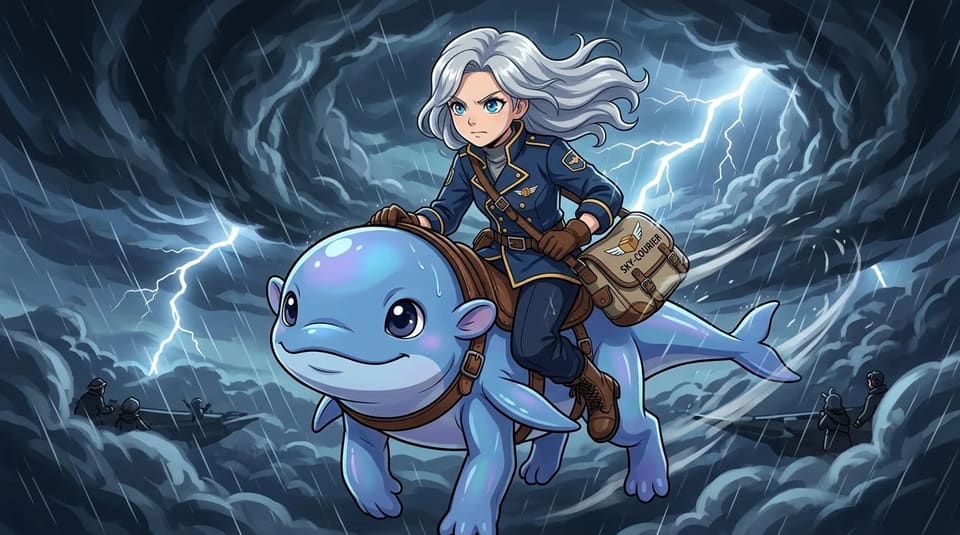
Anime to watercolor.
Pick the mood, keep the story. One click to switch.

Re-roll anything
Regenerate just one scene.
The rest of your video stays exactly as it is.
Cloud rendering
Close the tab. Come back.
Generation runs in the background. Your video waits for you.
Export & publish
Scene clips, ready to post.
Download every scene in HD — cut for Shorts, TikTok, or the full story end-to-end.
Get started
From story to film
in four moves.
Write your story.
A paragraph works. Characters, a conflict, a moment worth watching.
AI storyboards it.
Your story becomes scenes — each with a keyframe image, camera direction, and motion notes you can edit before anything renders.
Characters stay consistent.
Every scene is drawn from the same character references, so nobody changes face between shots.
Images become video.
Cinematic image to video models animate every keyframe. Watch it through, re-roll any scene, download and publish.
Questions
AI video generator, answered.
Everything about TaleScene's AI video generator — what the free storyboard preview covers, how text-to-video and generated keyframes work, how characters stay consistent, and commercial rights.
Can I try TaleScene's AI video workflow for free?
TaleScene is built for multi-scene stories rather than single clips. The free 20-credit grant lets you draft the storyboard and inspect generated character and keyframe previews. Rendering voiced video clips is billed per second in credits, so a finished film means buying a credit pack or subscribing.
What do the free credits cover?
The 20 signup credits cover the planning and visual-preview stages, with the exact number of keyframes depending on cast size. Paid credits unlock the video models, voiced clips, and finished-film workflow.
How is this AI video generator different from a one-clip tool?
Most AI video generators animate a single prompt into one clip. TaleScene's AI video generator storyboards your whole story into scenes, keeps one character consistent across all of them, and stitches the clips into a finished film.
Can the AI video generator work from text or an image?
Both stages are in the pipeline. Type a paragraph and the AI video generator runs text to video: it storyboards your story, renders a keyframe image for every scene, then runs image to video on each keyframe. You review and re-roll the images before anything is animated.
Which models power the AI video generator?
TaleScene's AI video generator renders a keyframe image for each scene, then animates it with Seedance 2.5, a frontier image to video model — so every scene gets cinematic motion and native voiced audio.
Do I own the videos from the AI video generator?
Yes. Videos you generate are yours to publish and monetize — YouTube, TikTok, client work — and the MP4 download is free once a clip has rendered.
Keep exploring
More ways to make video with AI.
Hotel Lobby AI Video
Cast your own orange-booth duo with a guided performance prompt.
AI Animation Generator
Anime, cartoon, watercolor — 15 animation styles, one cast.
AI Movie Maker
Scenes, dialogue, subtitles, music — a finished mini film.
Script to Video AI
A readable script you approve before anything renders.
Image to Video AI Generator
Turn a photo or a paragraph into a multi-scene video.
Ready when you are.
Start with a paragraph.
Finish with a film.
Sign up free and preview your storyboard. When the direction feels right, paid credits turn its keyframes into voiced video.