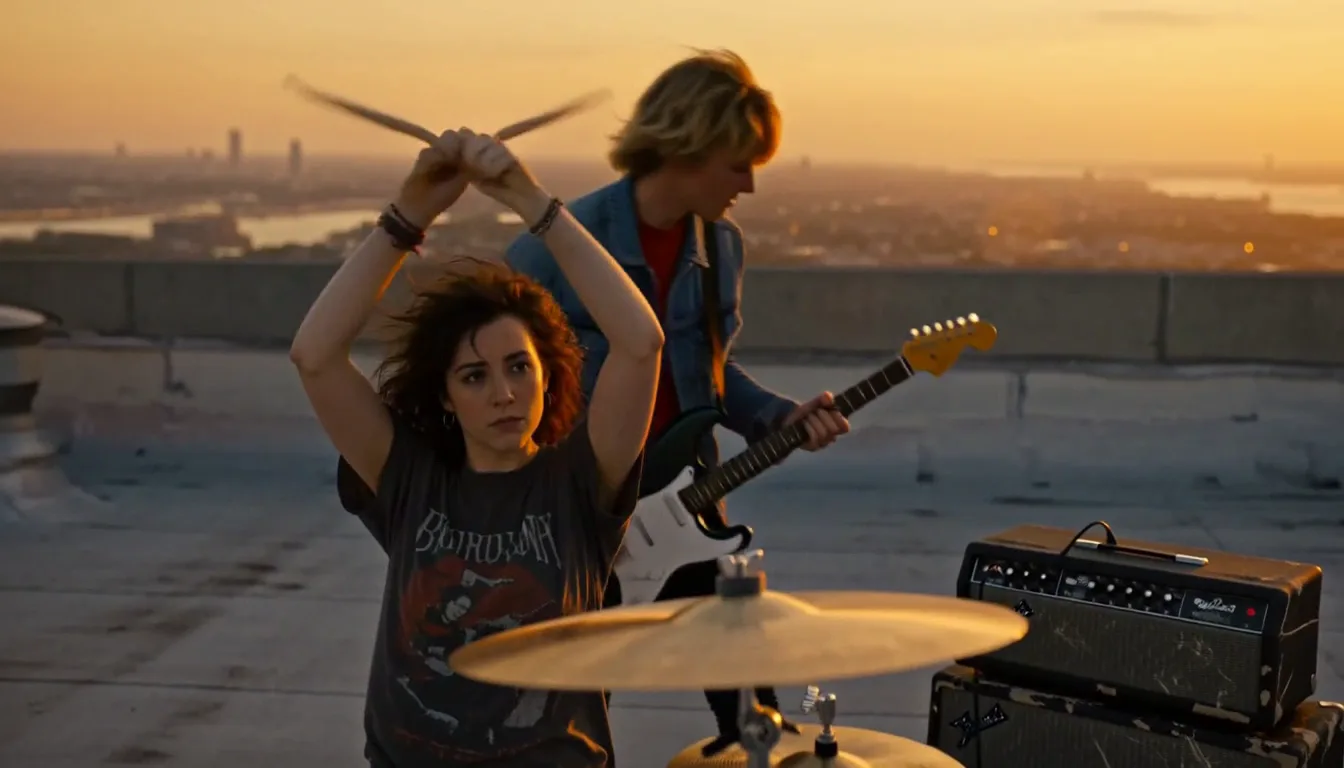
AI Animation Generator
AI Animation Generator
One Story, One Cast
TaleScene is an AI animation generator that turns a paragraph into an animated short. The AI storyboards every scene, draws each shot as a keyframe in your chosen animation style, then animates every frame into a voiced clip — with the same characters from the first scene to the last.
Script and storyboard are free · 20 credits on sign-up · no card · packs from $19.90

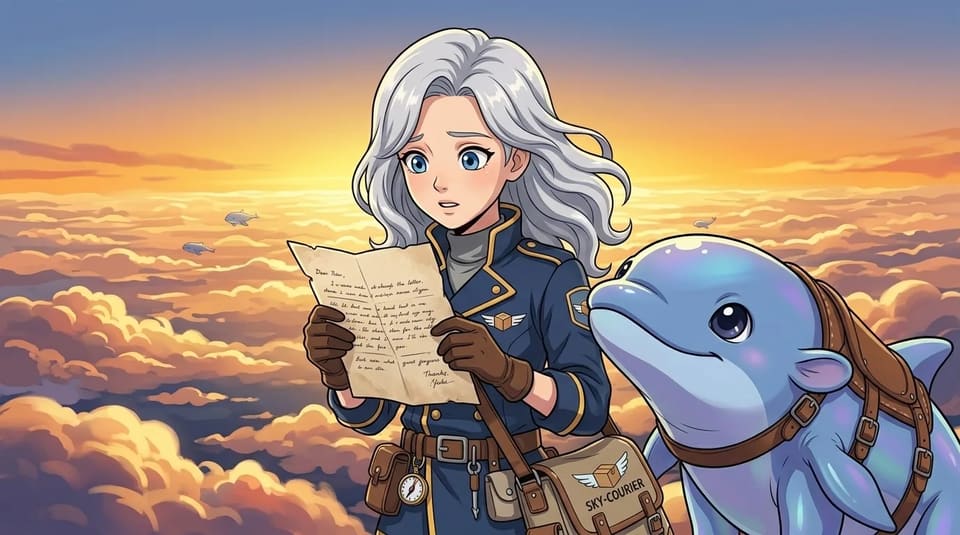
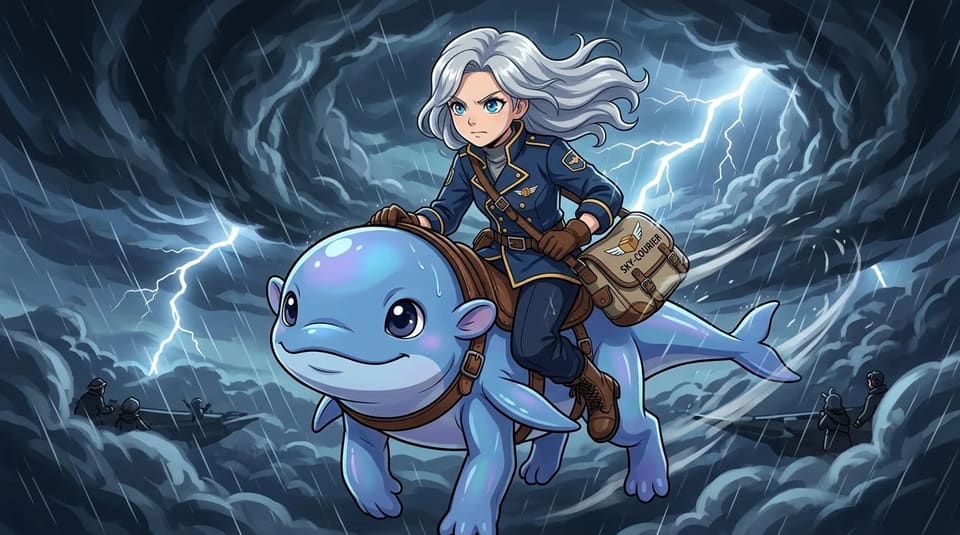
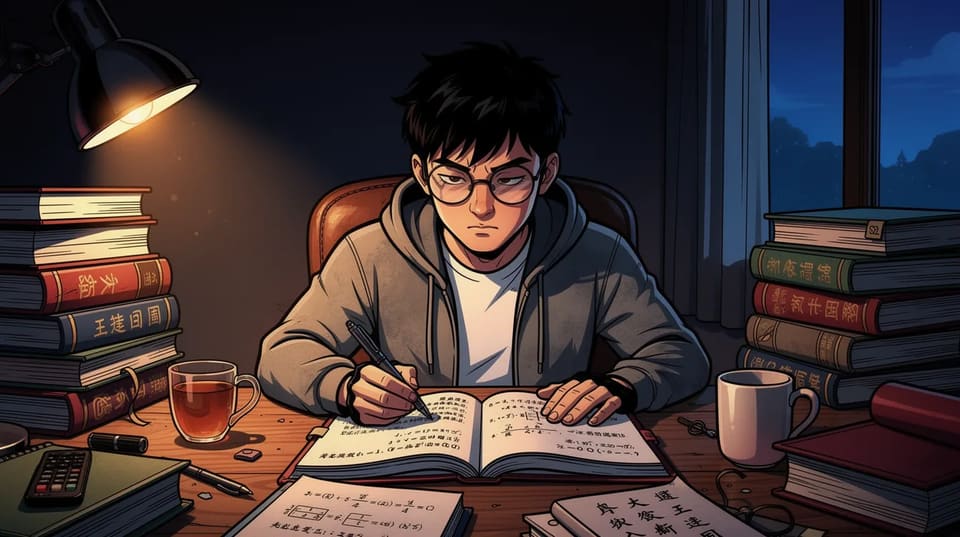
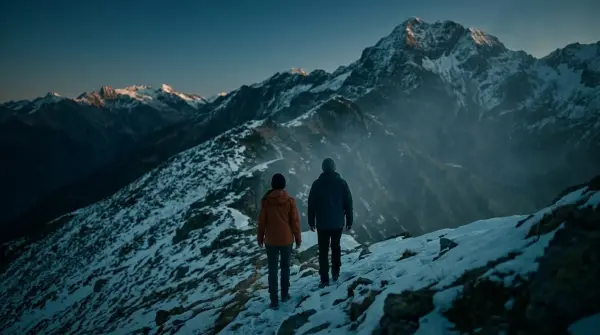
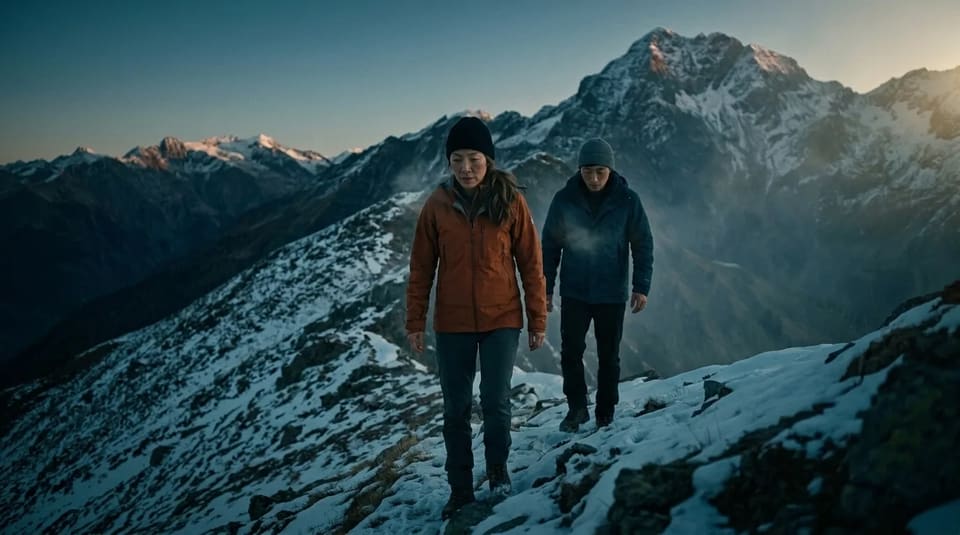
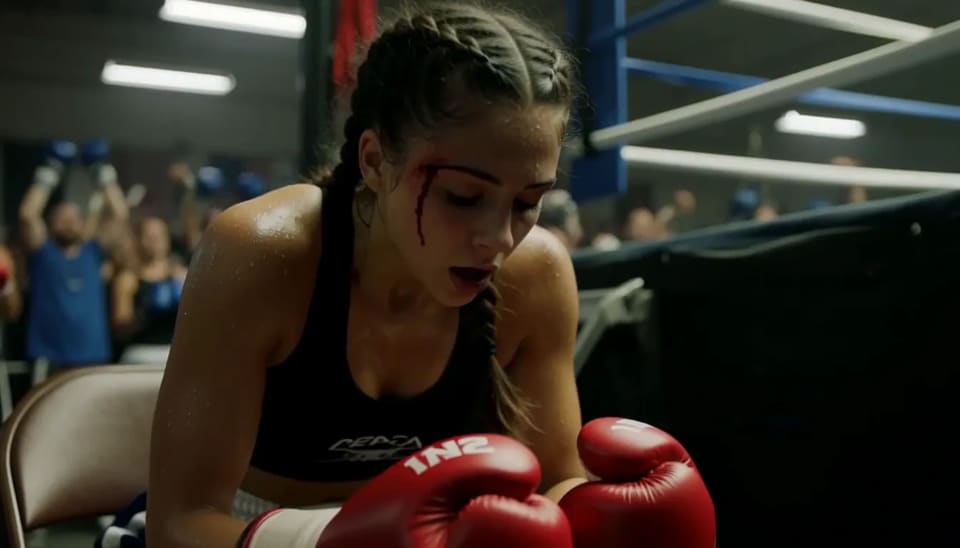

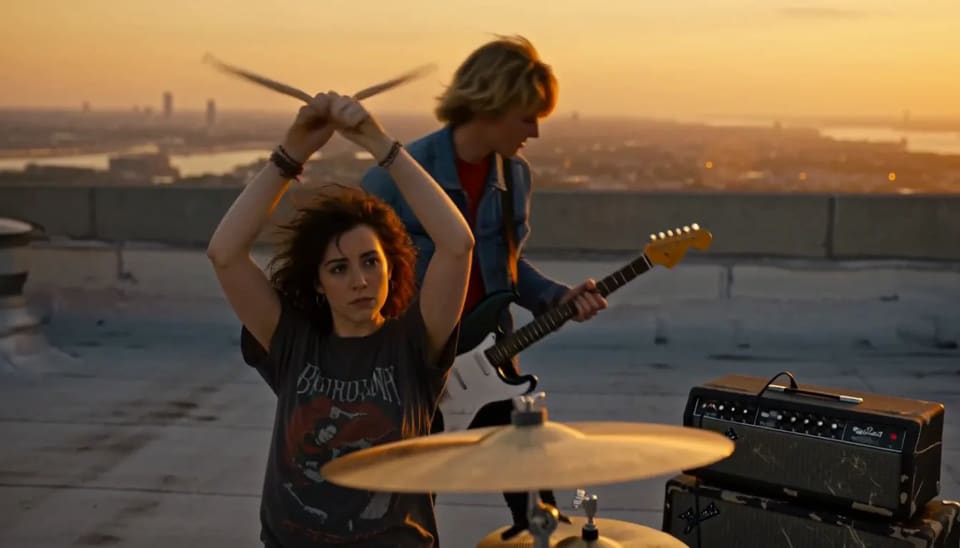

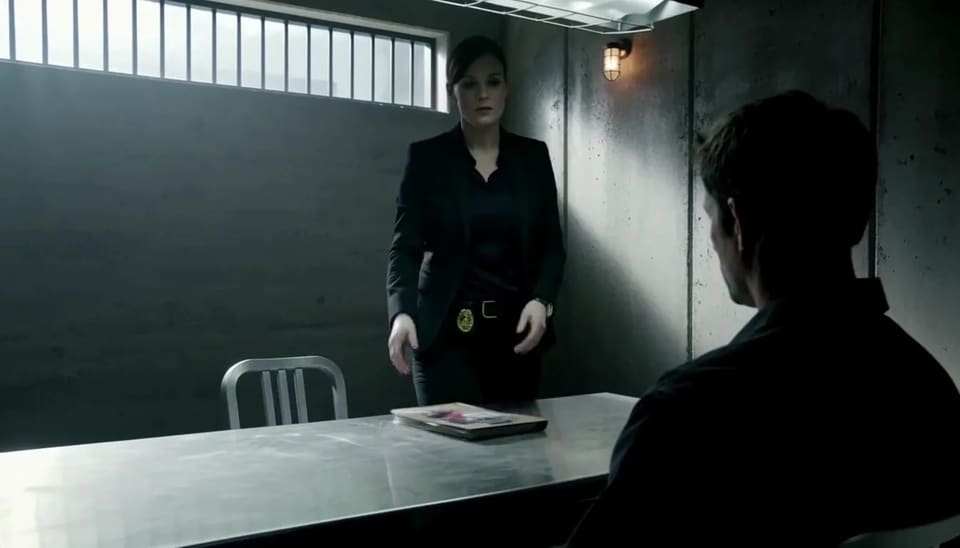
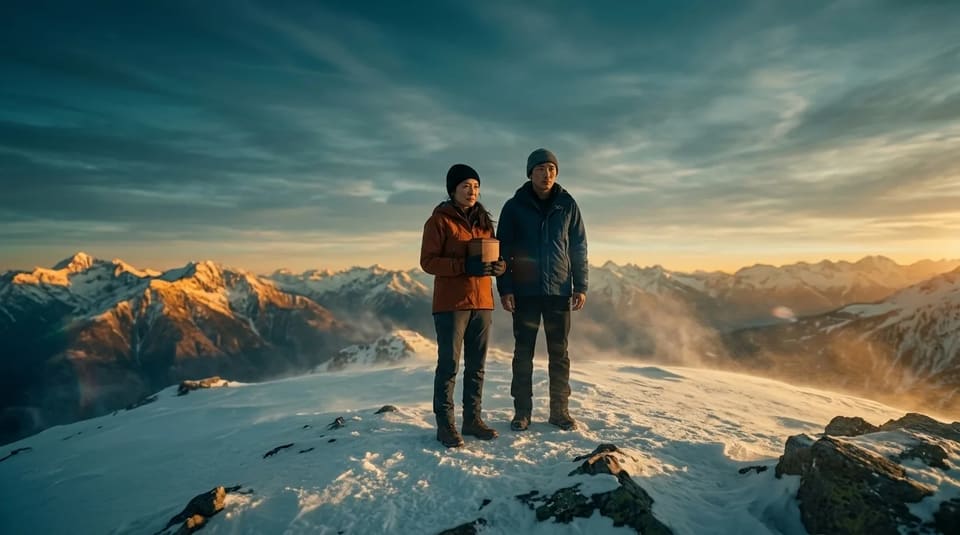

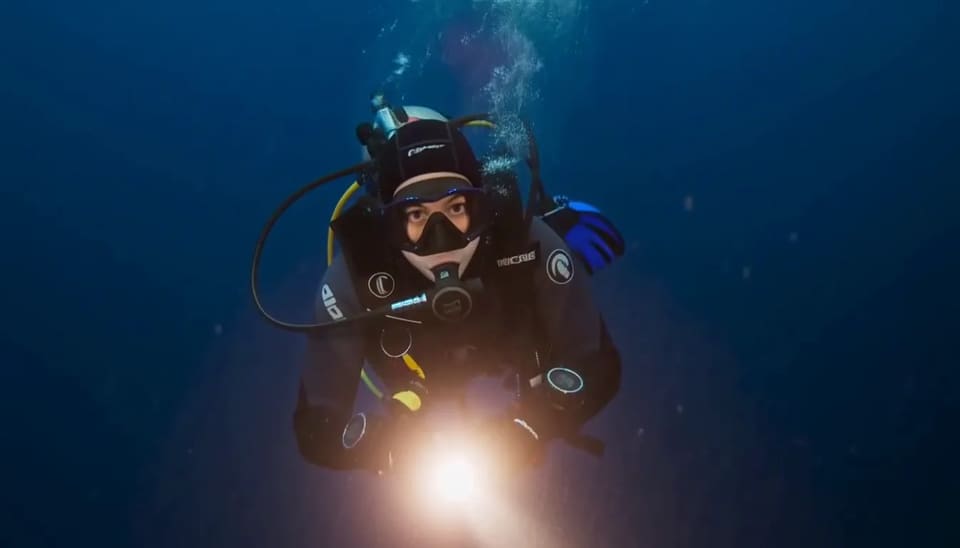
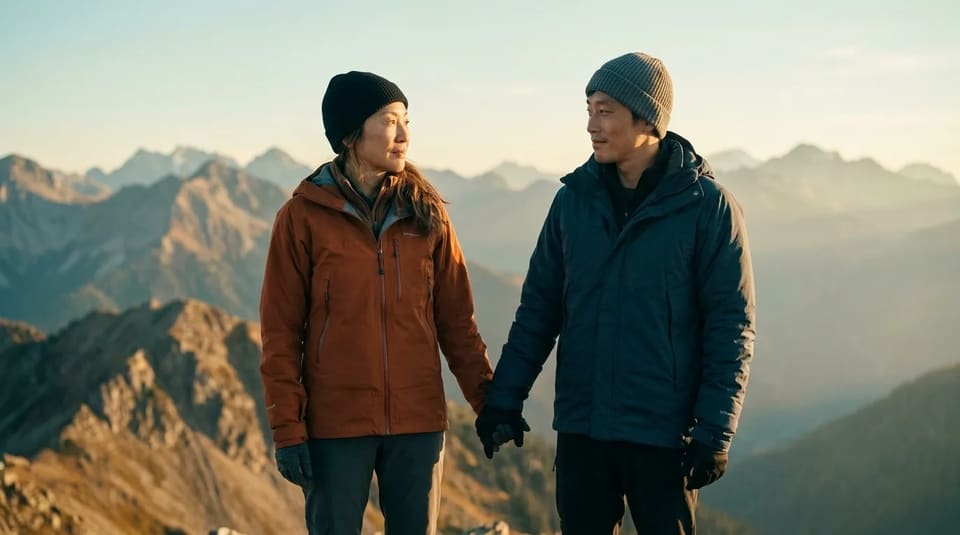

Action
Your animation studio, open.
Type a story and pick a style — the AI animator handles the storyboard, the keyframes, and the motion.
 01
01Script in 30 seconds
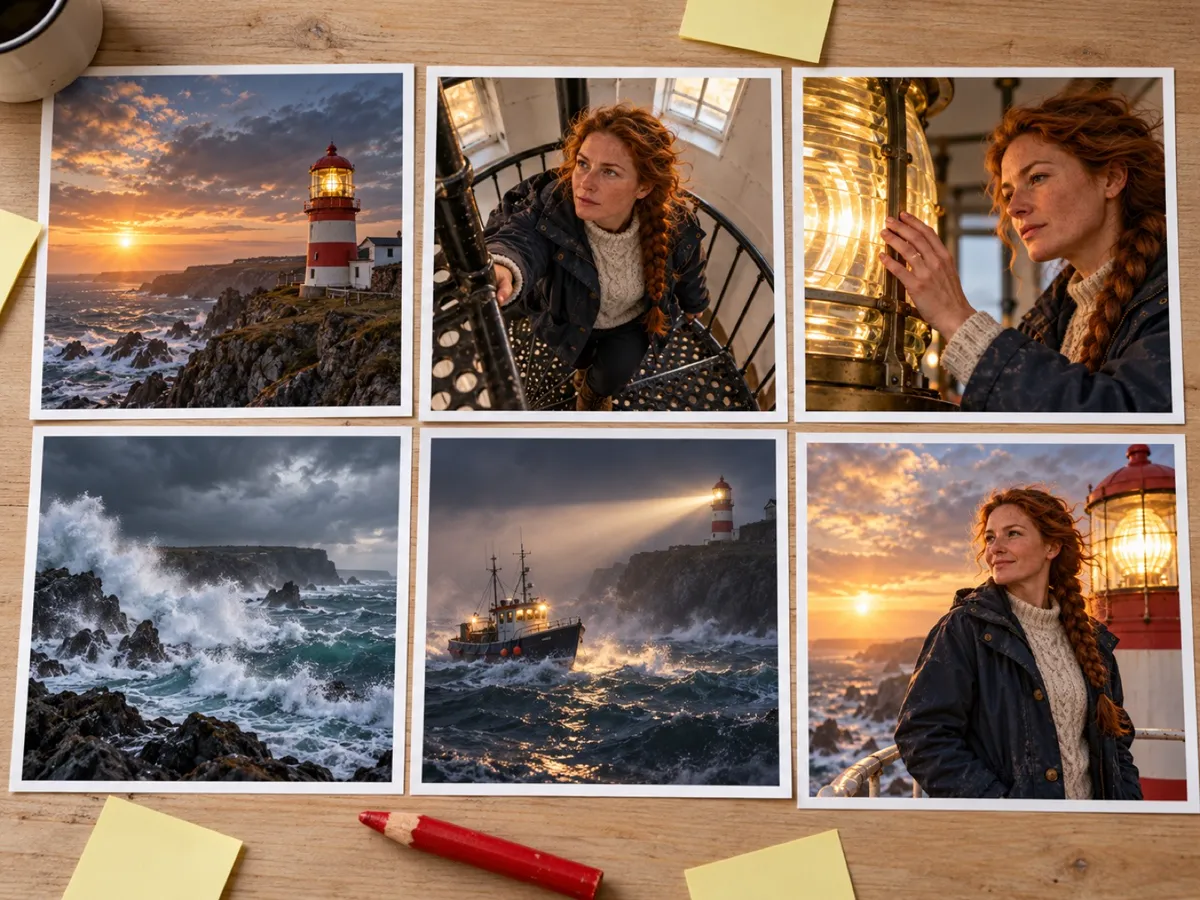
FreeYour story becomes a cast and a shot list — who's in it, what each shot shows, every line of dialogue.
 02
02Storyboard + animatic
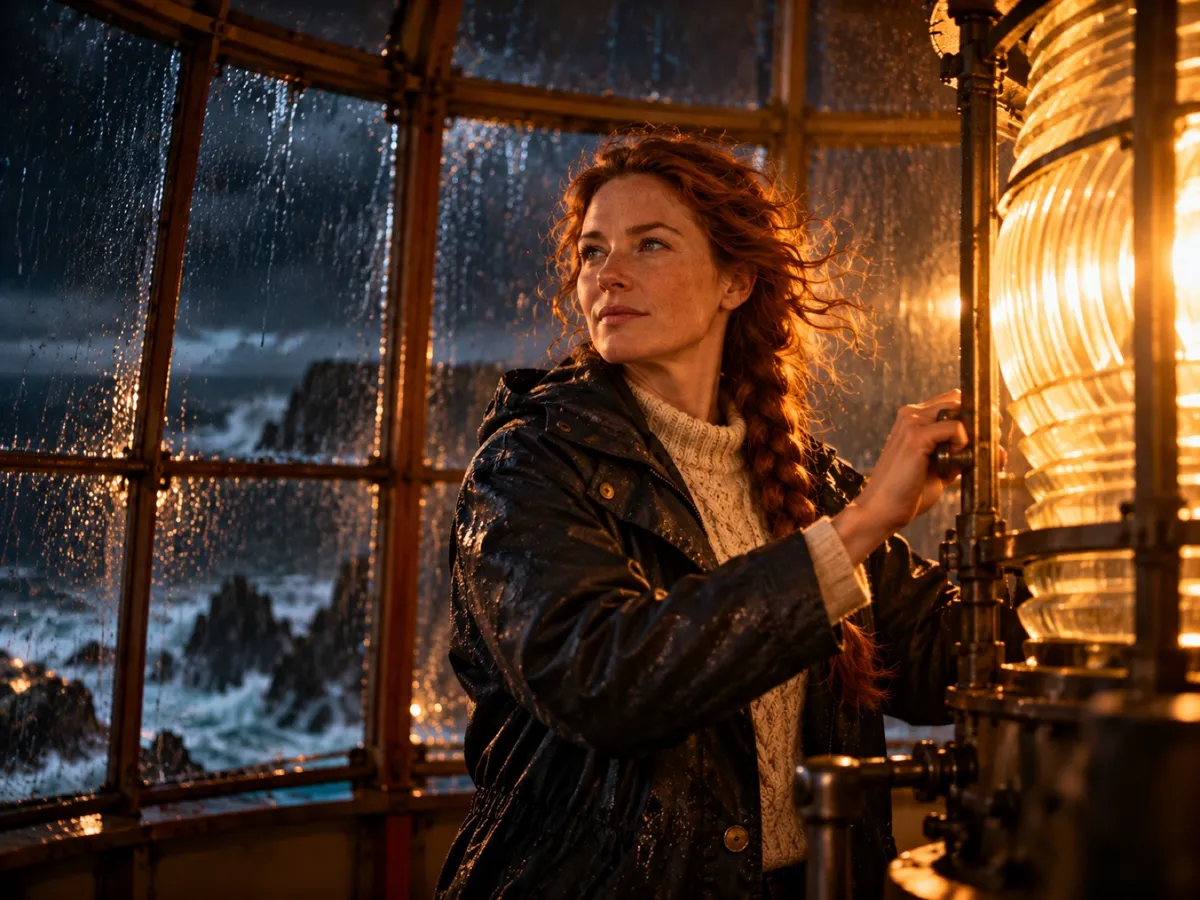
FreeEvery shot gets a keyframe, then they cut together with your lines as subtitles so you can watch the story play.
 03
03Finish the film
From $19.90Render voice and motion by the second. Failed shots refund automatically, no watermark on anything you pay for.
Why TaleScene
An AI animation generator
with a full cast.
Most animation AI makes a character move for five seconds and calls it done. TaleScene is an AI animation generator built for the whole story: it reads your paragraph, breaks it into scenes and shots like a director would, and only then starts drawing.
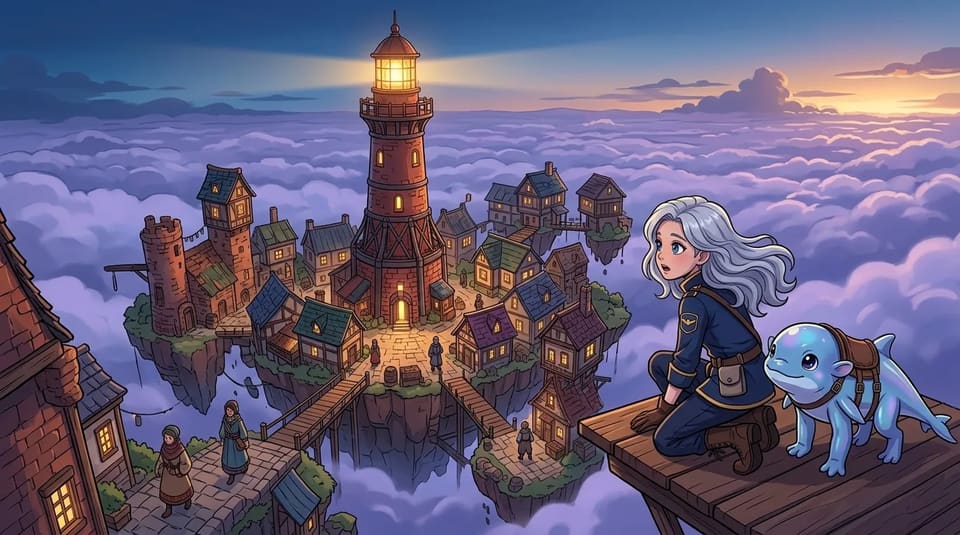
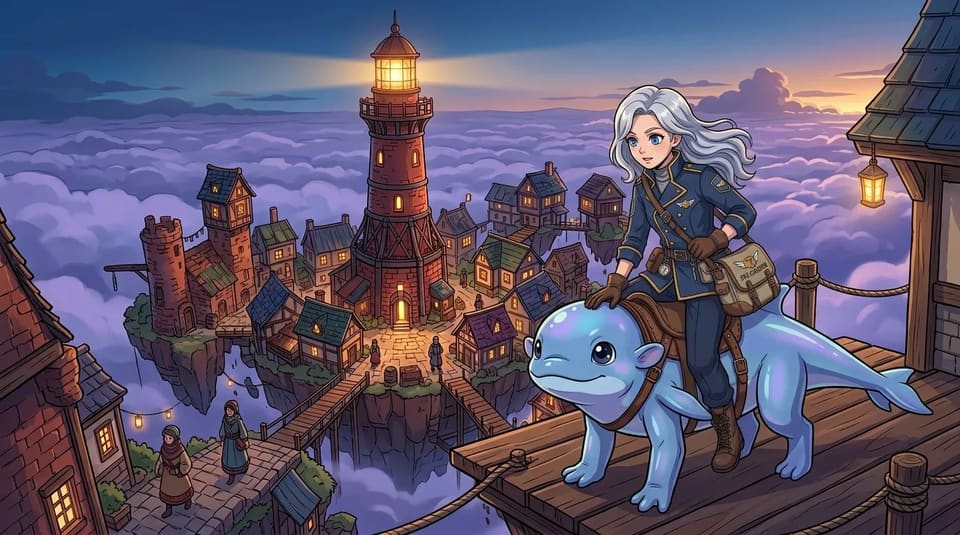
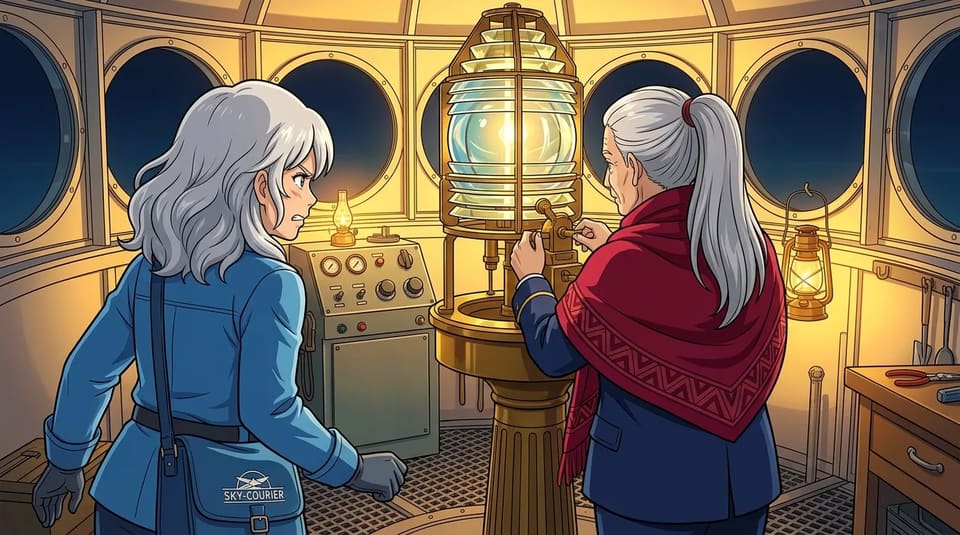
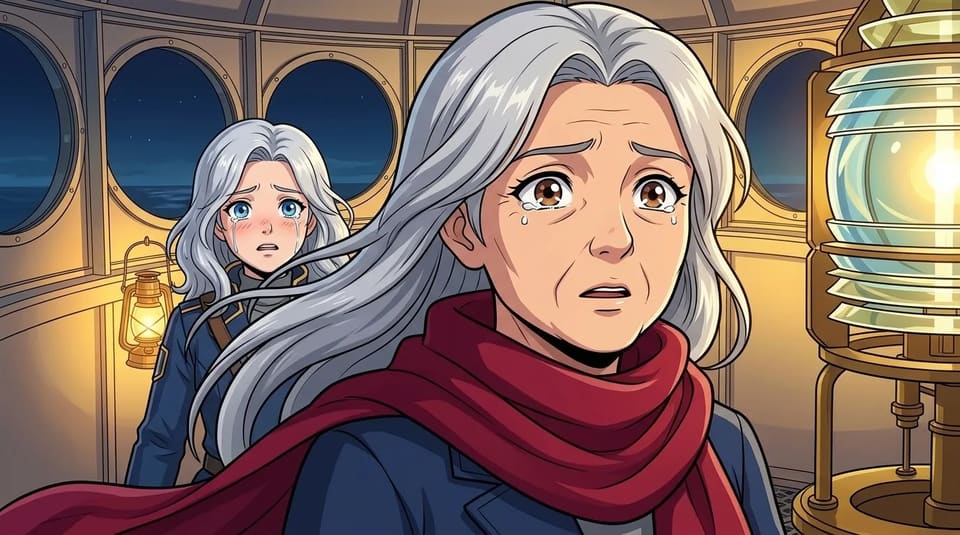
The cast comes first. Before a single frame is animated, the AI animator generates a reference portrait for each character — and every keyframe in the animation is drawn against those references, with each scene's later shots anchored to its first frame. That is how an anime heroine keeps her face, her hair, and her scarf across a storm, a doorway, and a reunion.
Every clip ships with voiced dialogue and film-style subtitles, so the result plays like an animated short, not a silent loop. Prefer photoreal footage instead? The same engine powers our image to video generator with a live-action style.
Pick a look
Fifteen animation styles.
One story.
Switch the style and the AI animation generator redraws your world — the characters, the script, and the story stay yours.
Anime & manga
Anime
Clean-line TV anime with painterly light.
Soft Anime
Pastel palettes, gentle edges, slice-of-life warmth.
Manga
Screentone black-and-white, panel-born drama.
Shonen Jump
High-energy action linework and speed.
Gekiga (Retro)
Grainy 60s–70s dramatic realism.
Chibi
Big heads, small bodies, maximum charm.
Comics & cartoon
Comic Book
Bold inks and halftone color.
Cartoon
Rounded shapes, Saturday-morning bounce.
Webtoon
Vertical-era digital color and glow.
Superhero
Dynamic angles, cape-ready lighting.
Graphic Novel
Painterly literary illustration.
Painterly & stylized
Watercolor
Soft washes and bleeding pigment.
Noir (B&W)
Hard shadows, rain, and neon-cut monochrome.
Pixel Art
16-bit frames with modern motion.
Cyberpunk
Chrome, hologram haze, and city glow.
How it animates
Still, motion, voice.
Every shot starts as a drawing.
The AI animation generator renders each shot as a still keyframe in your style first. You see the exact frame — composition, expression, light — and can re-roll it before any motion is spent.
Then the drawing starts to move.
Frontier image-to-video models animate each approved keyframe: camera drift, wind in the hair, a turn of the head. Because motion starts from your still, the animation never wanders off-model.
Then it speaks.
Dialogue lines are performed with native AI audio and rolled as cinema-style subtitles. String the scenes together, add a music track, and download the finished animation as one MP4.
Questions
AI animation, answered.
Everything about TaleScene's AI animation generator — the animation styles, how the AI animator keeps characters consistent, voices and subtitles, and what free credits cover.
What is an AI animation generator?
An AI animation generator turns a written story into animated video. TaleScene's version works like a small studio: it storyboards your story into scenes, draws a keyframe for each shot in the animation style you pick, then animates every keyframe into a voiced clip — so you get a multi-scene animated short, not one loose clip.
Which animation styles can it generate?
Fifteen: Anime, Soft Anime, Manga, Shonen Jump, Gekiga, Chibi, Comic Book, Cartoon, Webtoon, Superhero, Graphic Novel, Watercolor, Noir, Pixel Art, and Cyberpunk. Every style is available to every account, including free ones — switch styles with one click and the story stays the same.
Is TaleScene a free AI animation generator?
It's free to start: 20 credits on signup, no credit card, for drafting a storyboard and rendering visual previews. Animation and voiced video clips are billed per second in credits — those stages run high-cost video models — so a full animation means buying a credit pack or subscribing.
Can the AI animator keep my character consistent between scenes?
Yes — that's the core of the tool. TaleScene generates reference portraits for your cast first, and every keyframe in the animation is drawn against those references. Within a scene, later shots also anchor on the scene's first frame, so faces, hair, and outfits hold from the opening shot to the last.
Does the animation include voices and sound?
Yes. Each character speaks their dialogue with native AI audio, cinema-style subtitles roll under every scene, and you can lay a music track over the full animation before downloading it as one MP4.
How long can an AI animation be?
You choose 1 to 16 scenes, and the AI may direct a scene as several shots; each shot animates into roughly 5–12 seconds of footage. A 4-scene story typically lands around half a minute to a minute — and you can re-roll any single shot without touching the rest.
Keep exploring
More ways to make video with AI.
Hotel Lobby AI Video
Cast your own orange-booth rap duo, lyrics and beat included.
AI Video Generator
The full story-to-video pipeline: storyboard, images, motion.
AI Movie Maker
Scenes, dialogue, subtitles, music — a finished mini film.
Script to Video AI
A readable script you approve before anything renders.
Image to Video AI Generator
Turn a photo or a paragraph into a multi-scene video.
Ready when you are.
Start with a paragraph.
Finish with a film.
Sign up free and preview your storyboard. When the direction feels right, paid credits turn its keyframes into voiced video.