Script to Video AI
Script to Video AI
Approve, Then Render
TaleScene is a script to video AI that treats the script as the star: bring your own, or let the AI write one from a paragraph. You read and approve every scene, shot, and line of dialogue — then the AI renders it into a voiced, subtitled film with a consistent cast.
Script and storyboard are free · 20 credits on sign-up · no card · packs from $19.90

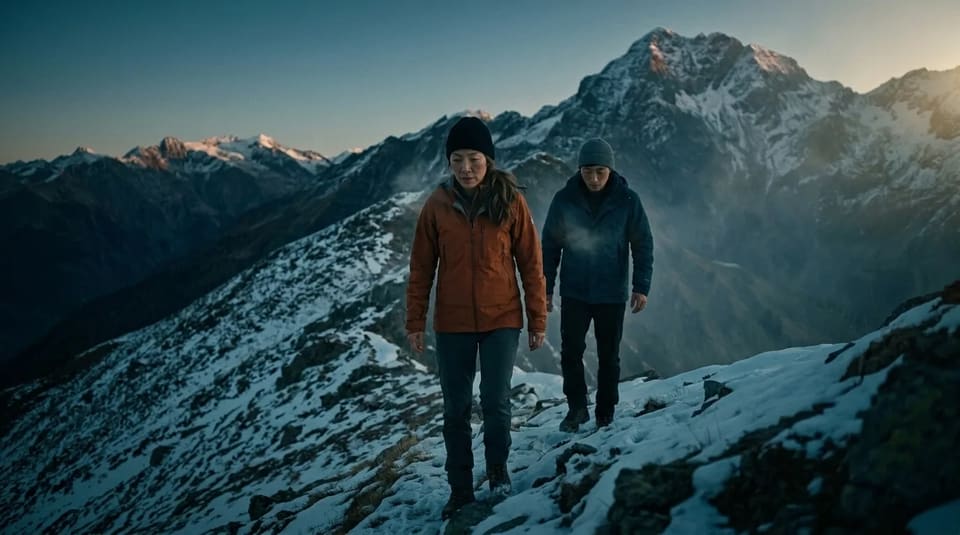
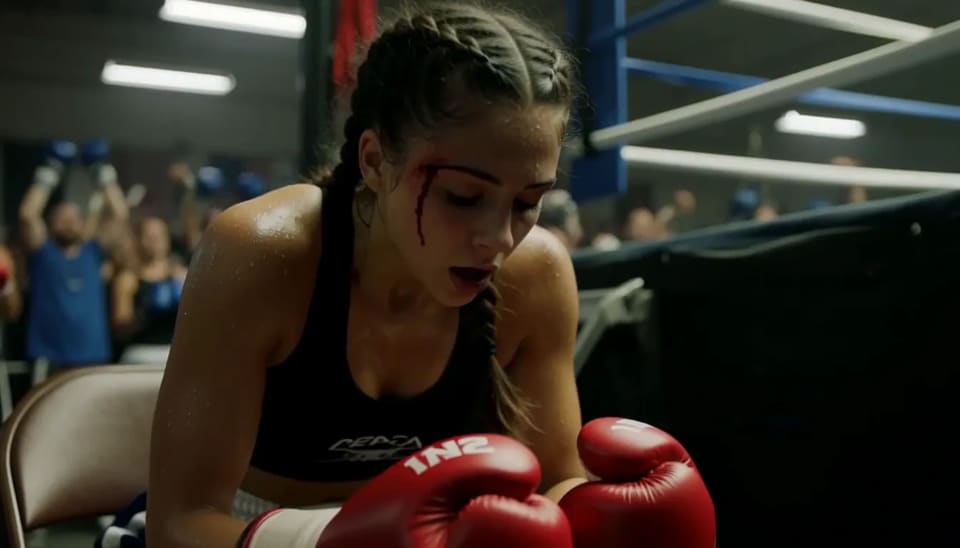


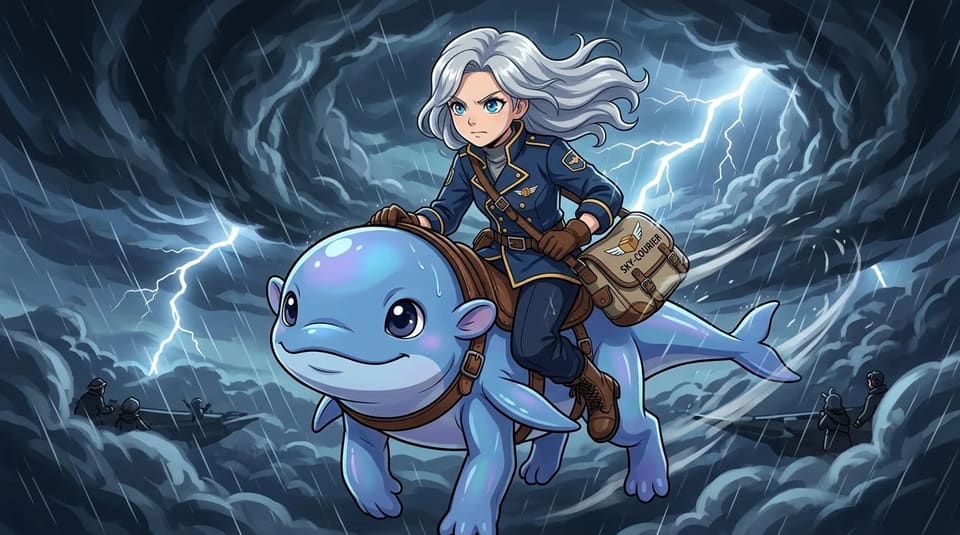
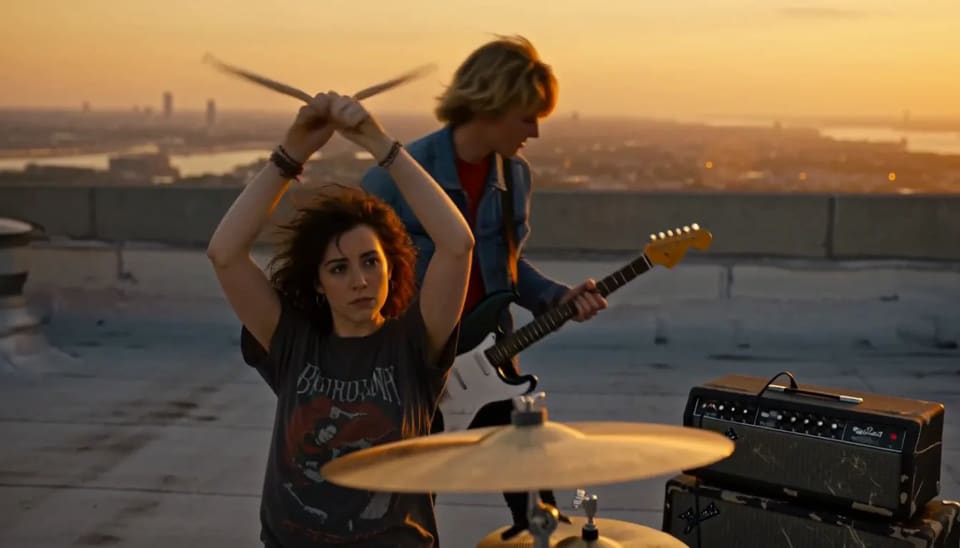
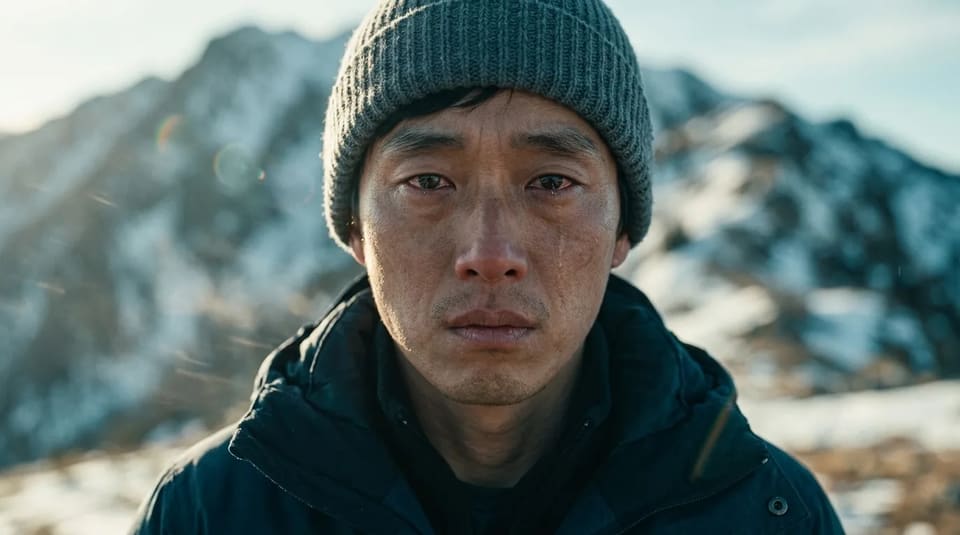

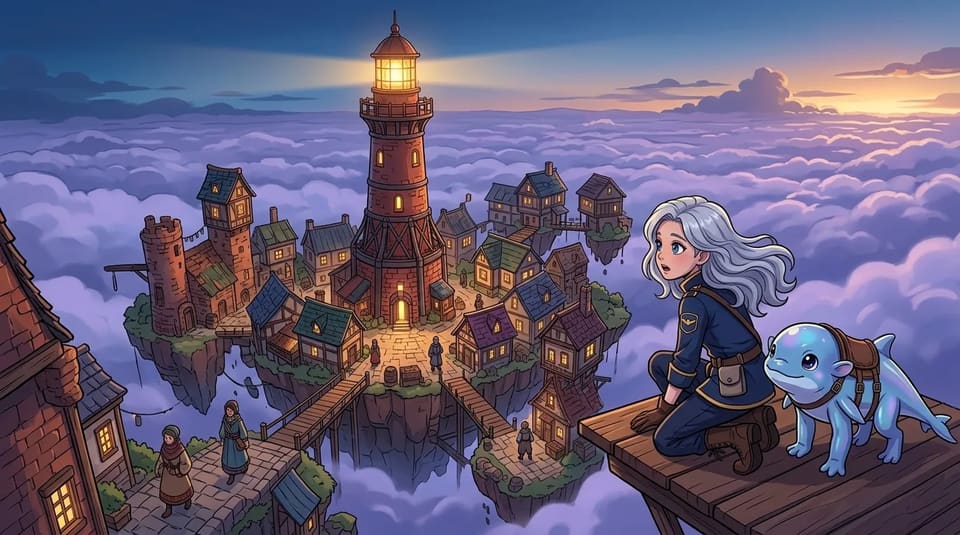
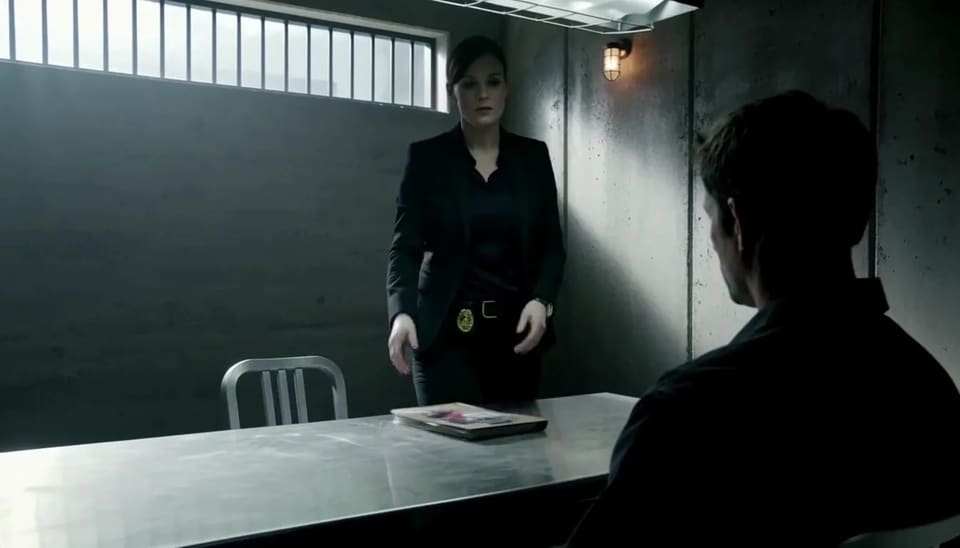
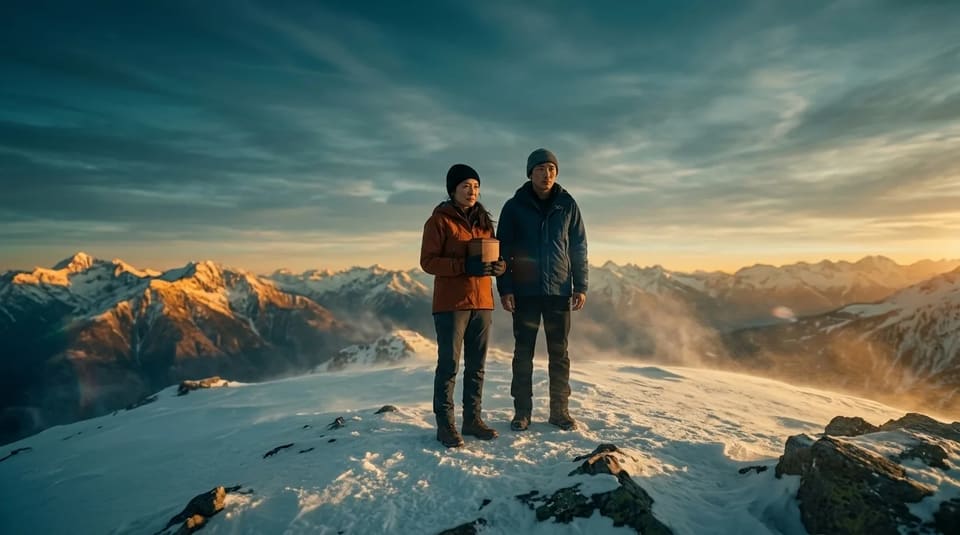
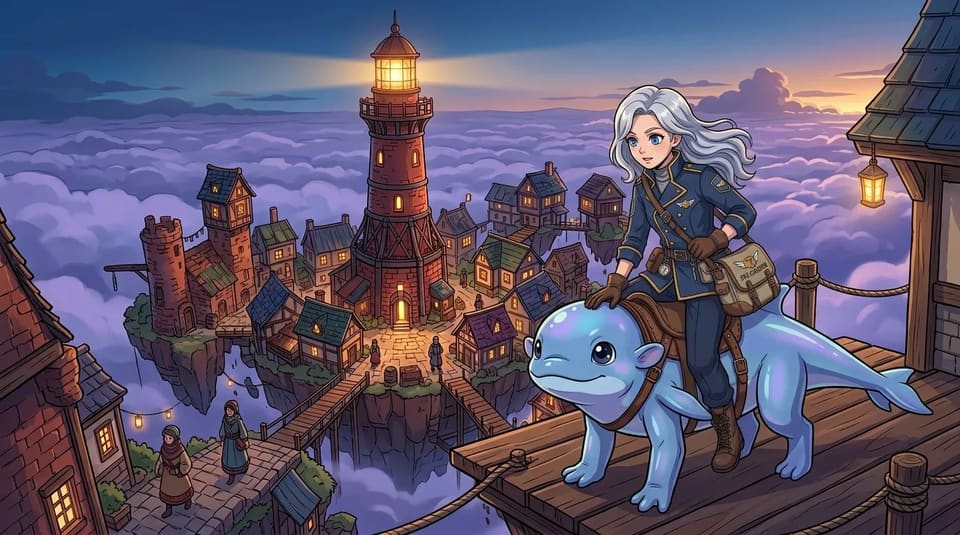

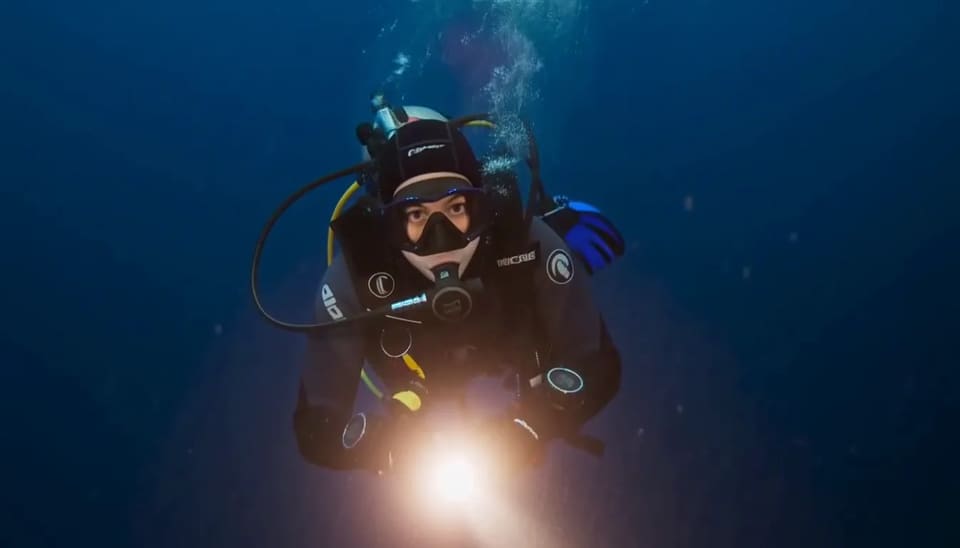
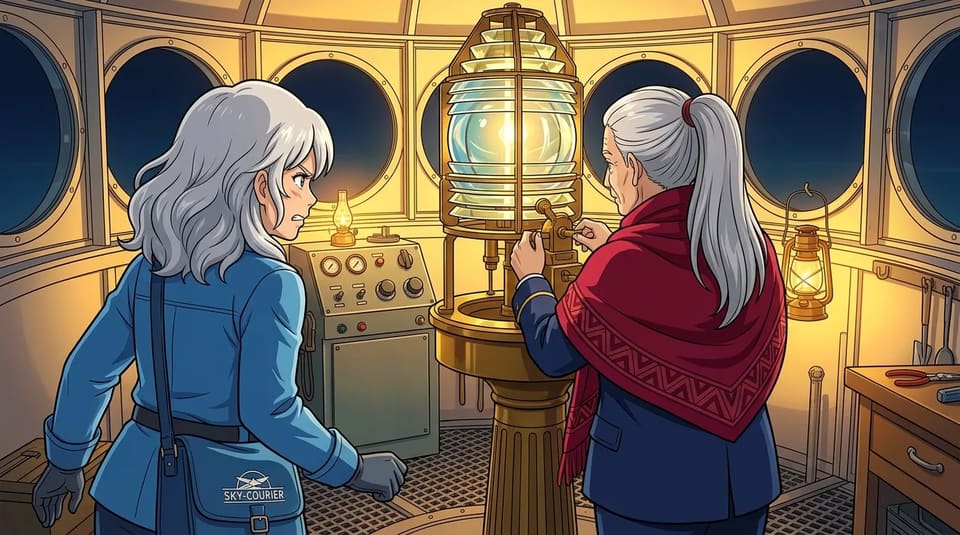
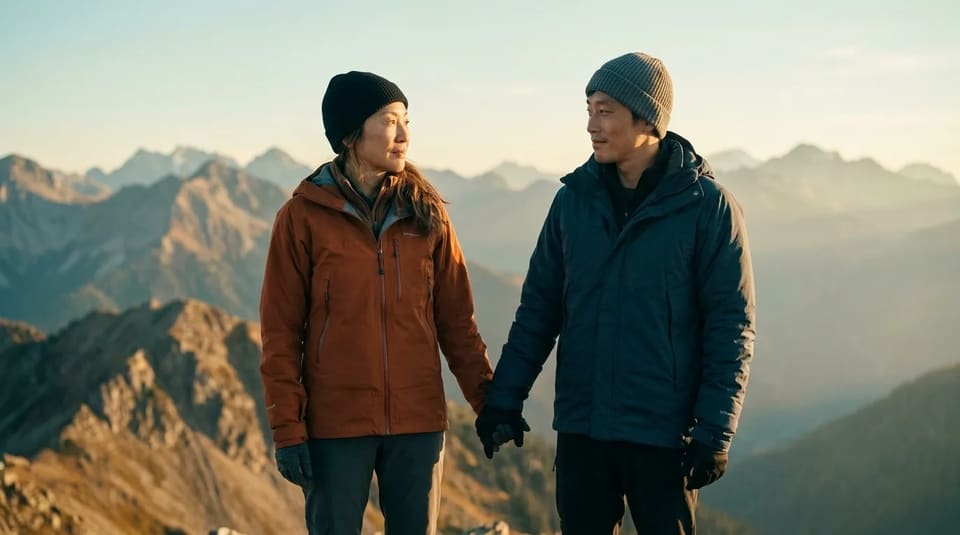
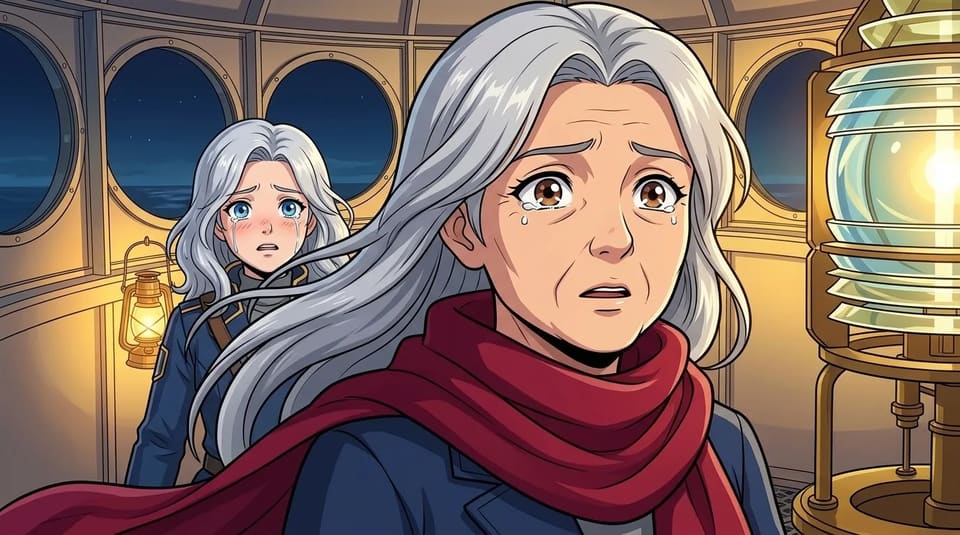
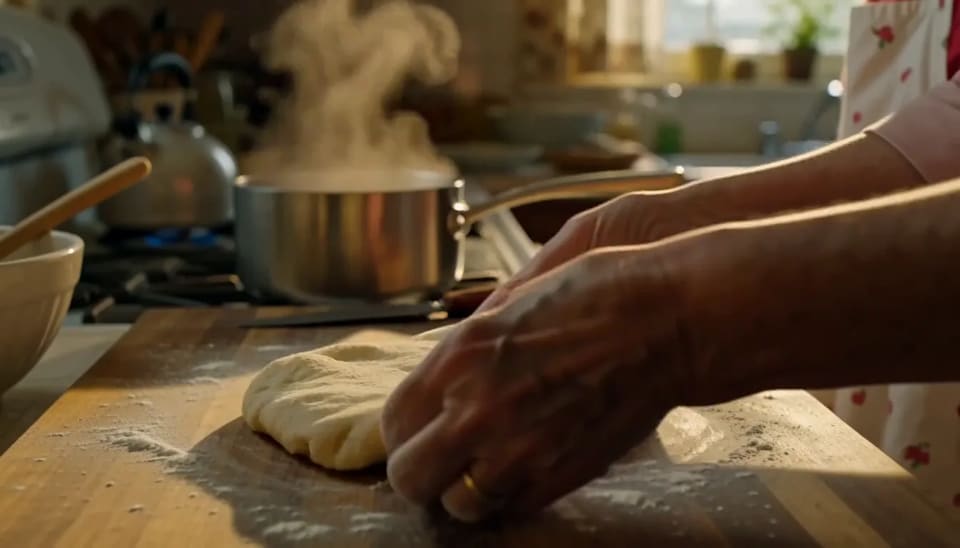
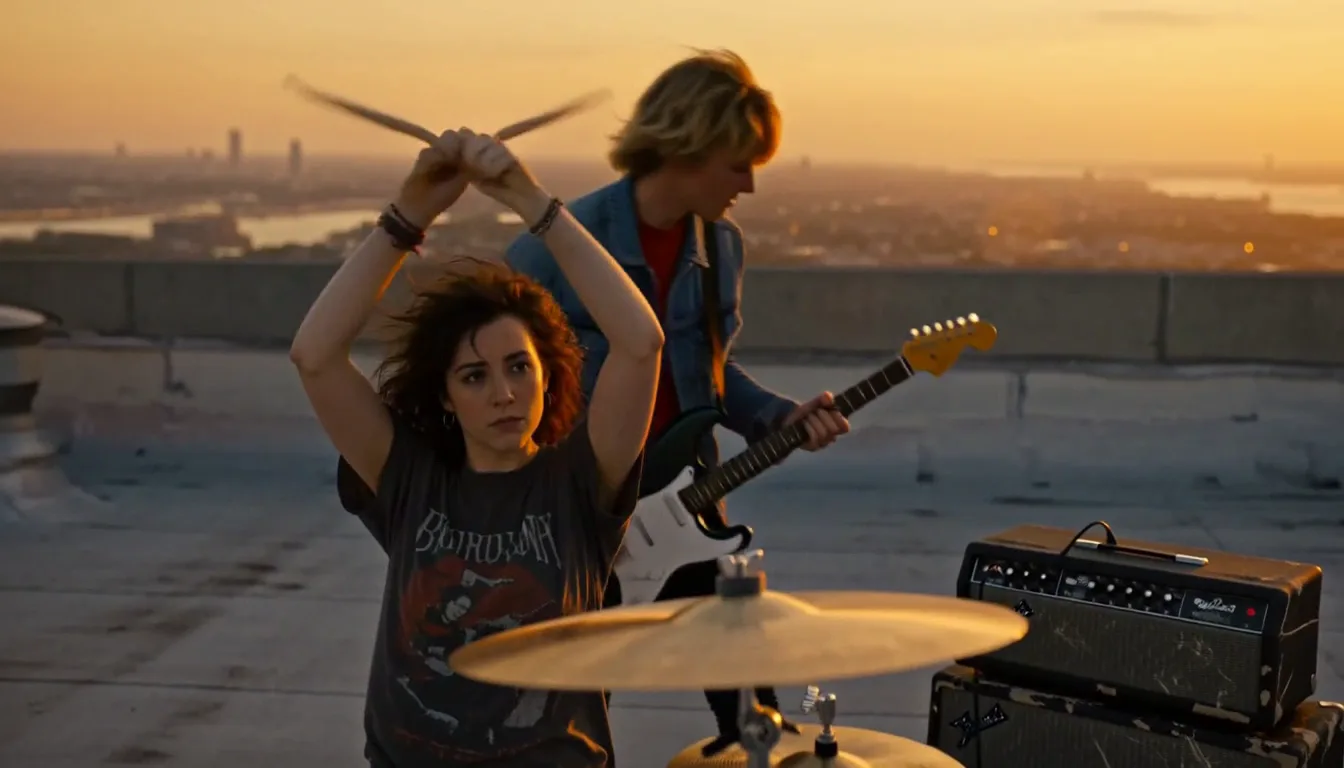
Page one
Paste the script. Or just the idea.
The script to video AI turns either into a shot list you approve, then into scenes, motion, and a finished film.
 01
01Script in 30 seconds
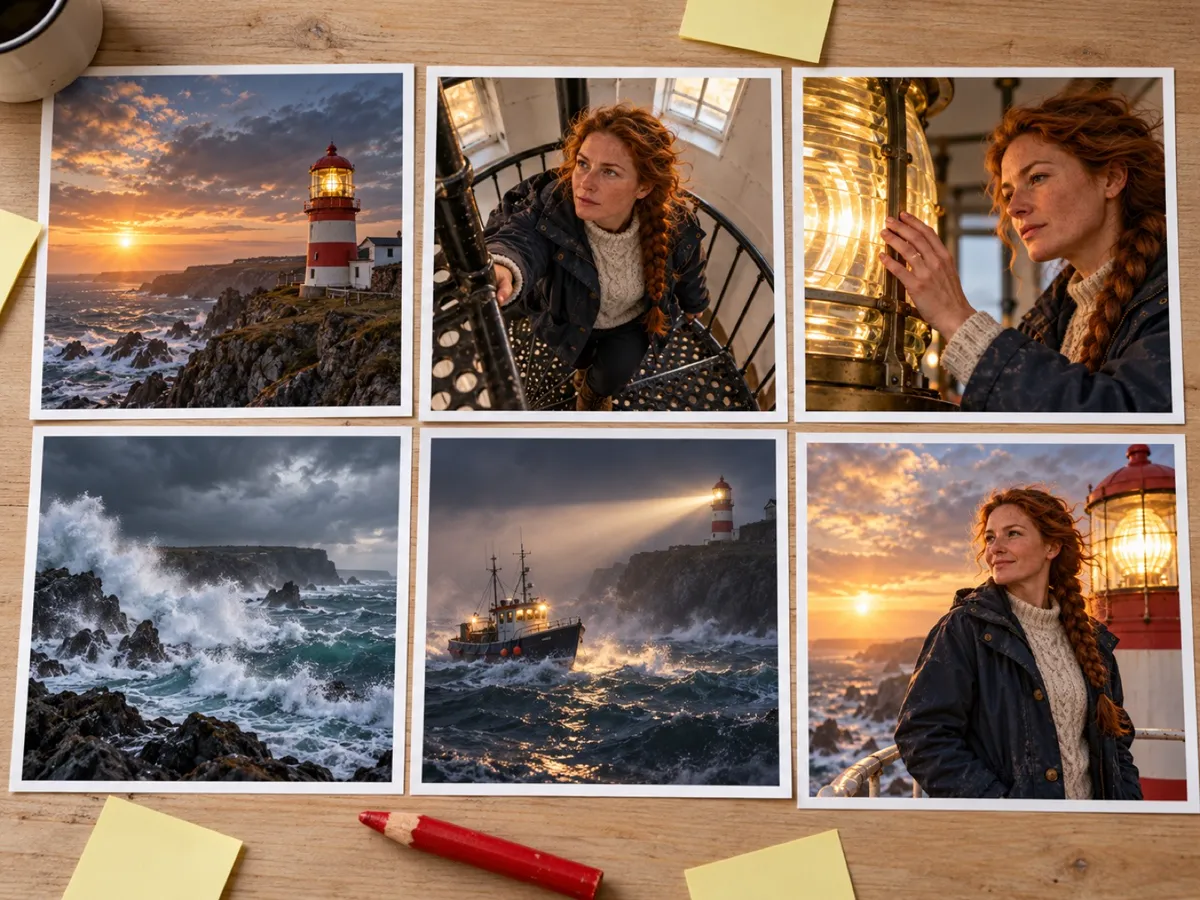
FreeYour story becomes a cast and a shot list — who's in it, what each shot shows, every line of dialogue.
 02
02Storyboard + animatic
FreeEvery shot gets a keyframe, then they cut together with your lines as subtitles so you can watch the story play.
 03
03Finish the film
From $19.90Render voice and motion by the second. Failed shots refund automatically, no watermark on anything you pay for.
Why TaleScene
Script to video,
with a script you can read.
Most script to video AI tools hide the script. Your text goes in, footage comes out, and whatever the model decided in between is invisible — so when a scene comes out wrong, all you can do is re-roll and hope. TaleScene makes the script itself the control surface.
Before anything renders, you see the full screenplay as a structured shot list: scenes grouped the way films cut, each shot typed — wide, close-up, over-the-shoulder — with camera notes and every spoken line. Edit it, regenerate it, or approve it. Credits are only spent on a script you've read.
Then the render pass is just execution: keyframes drawn against your cast's reference portraits, motion applied per the script's notes, dialogue voiced and subtitled. The result plays like the script read — because it is the script, shot for shot.
Script to screen
Every line on the page
controls the frame.
Scenes group shots the way films cut. The first shot's frame anchors the rest of the scene, so the room, the light, and the weather don't drift between cuts.
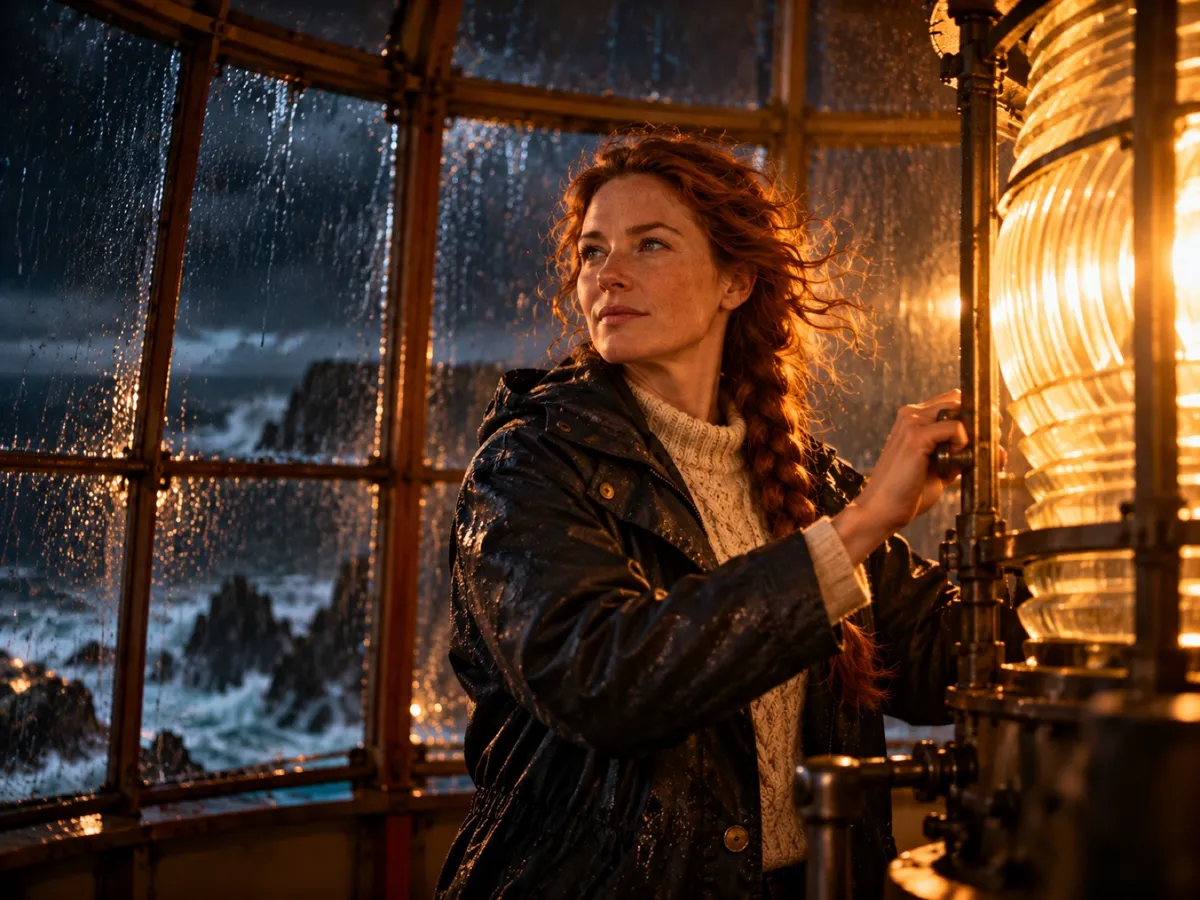
Each shot line — "Close-up: Mira's eyes on the horizon" — becomes a rendered keyframe you can inspect and re-roll, then a 5–12 second animated clip.
Every line is performed with native AI audio by the character who speaks it, and rolls as a cinema-style subtitle. Narration renders italic, dialogue straight.
"Slow push-in", "handheld pan" — the shot's motion prompt drives the image-to-video model, so the camera does what the script asked for.
No script yet?
The AI movie script
generator is built in.
You don't need screenplay software or INT./EXT. formatting to start. Type the story as a paragraph — the AI movie script generator turns it into a real shooting script: a scene structure with an arc, one to three shots of coverage per scene, camera directions, and dialogue written for every character.
The generated script is fully editable before it renders, and it's useful even if you never press render here: writers use the shot list as a storyboard blueprint, hand it to an artist, or take it back into their own production. (Writing the script yourself? The blog's guide to how to write a video script covers the same four-layer format this page renders.) When you do render, the same script drives the AI movie maker end to end — script to video with nothing lost in between.
Get started
From script to video
in four moves.
Write your story.
A paragraph works. Characters, a conflict, a moment worth watching.
AI storyboards it.
Your story becomes scenes — each with a keyframe image, camera direction, and motion notes you can edit before anything renders.
Characters stay consistent.
Every scene is drawn from the same character references, so nobody changes face between shots.
Images become video.
Cinematic image to video models animate every keyframe. Watch it through, re-roll any scene, download and publish.
Questions
Script to video, answered.
Everything about TaleScene's script to video AI — what script formats work, how the AI movie script generator writes one for you, voices and subtitles, and cast consistency.
How does script to video AI work?
TaleScene reads your script, breaks it into scenes and shots, and renders each shot in two passes: first a keyframe image you can inspect and re-roll, then an animated clip with motion and native audio. Dialogue lines are voiced by the characters and rolled as subtitles, and the scenes cut together into one film.
Do I need to bring a finished script?
No — a rough idea is enough. The built-in AI movie script generator writes the screenplay from a paragraph: scenes, shots, camera directions, and every line of dialogue. You read and edit it before rendering. If you do have a script, paste it and the AI follows your structure instead of inventing its own.
What script format does the AI accept?
Plain prose works best — write it like a short story or a synopsis. You don't need screenplay formatting like INT./EXT. sluglines; the AI converts your text into a structured shot list with scene groupings, shot types, and motion notes, which is the format you approve before rendering.
Is there a free script to video AI converter?
TaleScene is free to start: 20 signup credits cover the script and visual storyboard previews, with no credit card. Turning those approved keyframes into voiced video is billed per second in credits, which in practice means buying a credit pack or subscribing.
How do dialogue lines become voice and subtitles?
Every dialogue line in the approved script is performed with native AI audio by the character who speaks it, and the same line rolls as a cinema-style subtitle under the scene — narration in italics, spoken lines straight. No separate dubbing or captioning step.
How does the AI keep the cast consistent across the script?
Before rendering, TaleScene generates a reference portrait for each character in the script, and every keyframe is drawn against those references — a reference-to-video approach. Later shots in a scene also anchor on the scene's first frame, so faces, wardrobe, and lighting stay stable from page one to the last scene.
Keep exploring
More ways to make video with AI.
Hotel Lobby AI Video
Cast your own orange-booth rap duo, lyrics and beat included.
AI Video Generator
The full story-to-video pipeline: storyboard, images, motion.
AI Animation Generator
Anime, cartoon, watercolor — 15 animation styles, one cast.
AI Movie Maker
Scenes, dialogue, subtitles, music — a finished mini film.
Image to Video AI Generator
Turn a photo or a paragraph into a multi-scene video.
Ready when you are.
Start with a paragraph.
Finish with a film.
Sign up free and preview your storyboard. When the direction feels right, paid credits turn its keyframes into voiced video.